Local OCR
July 8, 2022
Features
OCR
Data Capture
Entering data from documents is a routine task for many AMODIT users. It is often repetitive, time-consuming and vulnerable to transcription errors, yet the captured data is essential for later workflow steps and reporting.
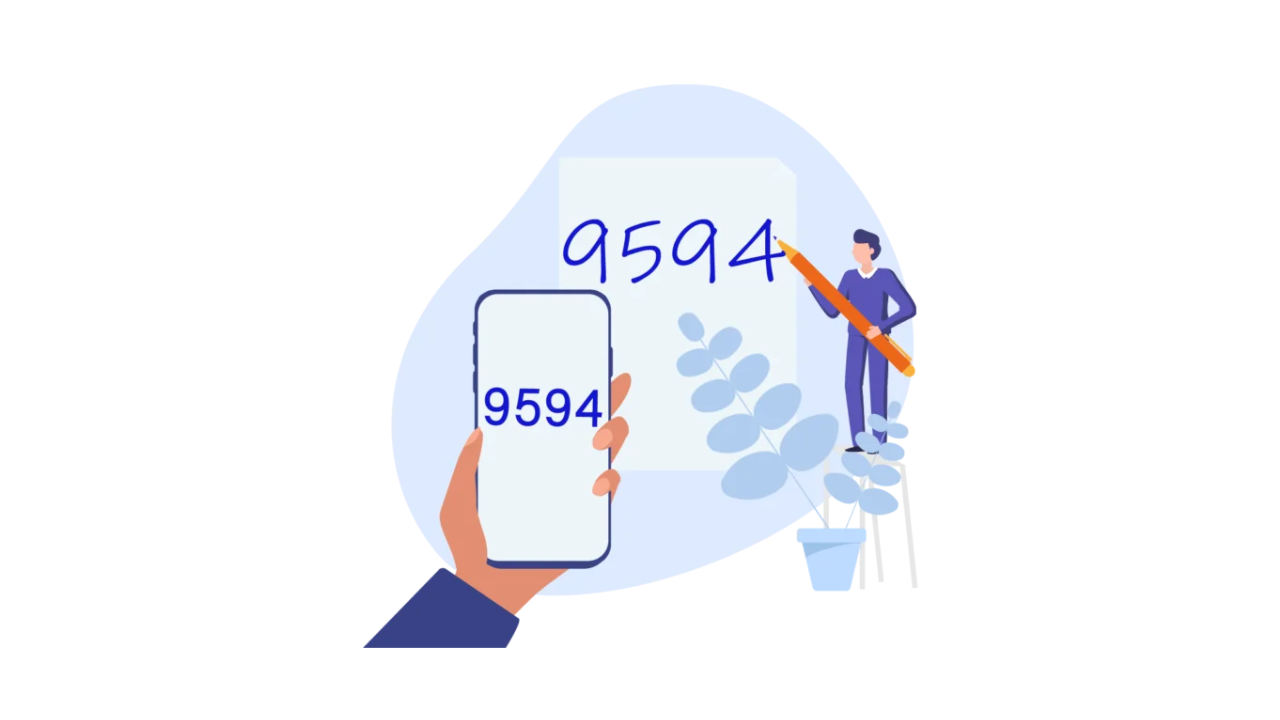
Document metadata identifies files stored in the system, supports process logic and provides the basis for reports and analysis. Local OCR reduces the effort needed to transfer data from a scan into a case form.
OCR for Any Document Layout
Fully automated OCR solutions are commonly configured for a particular document type. That approach is not always practical for organization-specific or low-volume documents. Local OCR remains user-guided, but it works with any document layout: the user selects the area to recognize instead of retyping the content.
Less Manual Entry, With Verification
The feature is useful wherever completing a form requires copying values from a scan. It provides a universal alternative when a document-specific OCR configuration is unavailable or uneconomical. Scan quality still affects recognition, so the user reviews the extracted value before using it.
How Local OCR Works
Open a scan attached to a case and enable Local OCR in the attachment preview. Select any part of the text. AMODIT recognizes the selection and either inserts it into a form field or copies it to the clipboard.
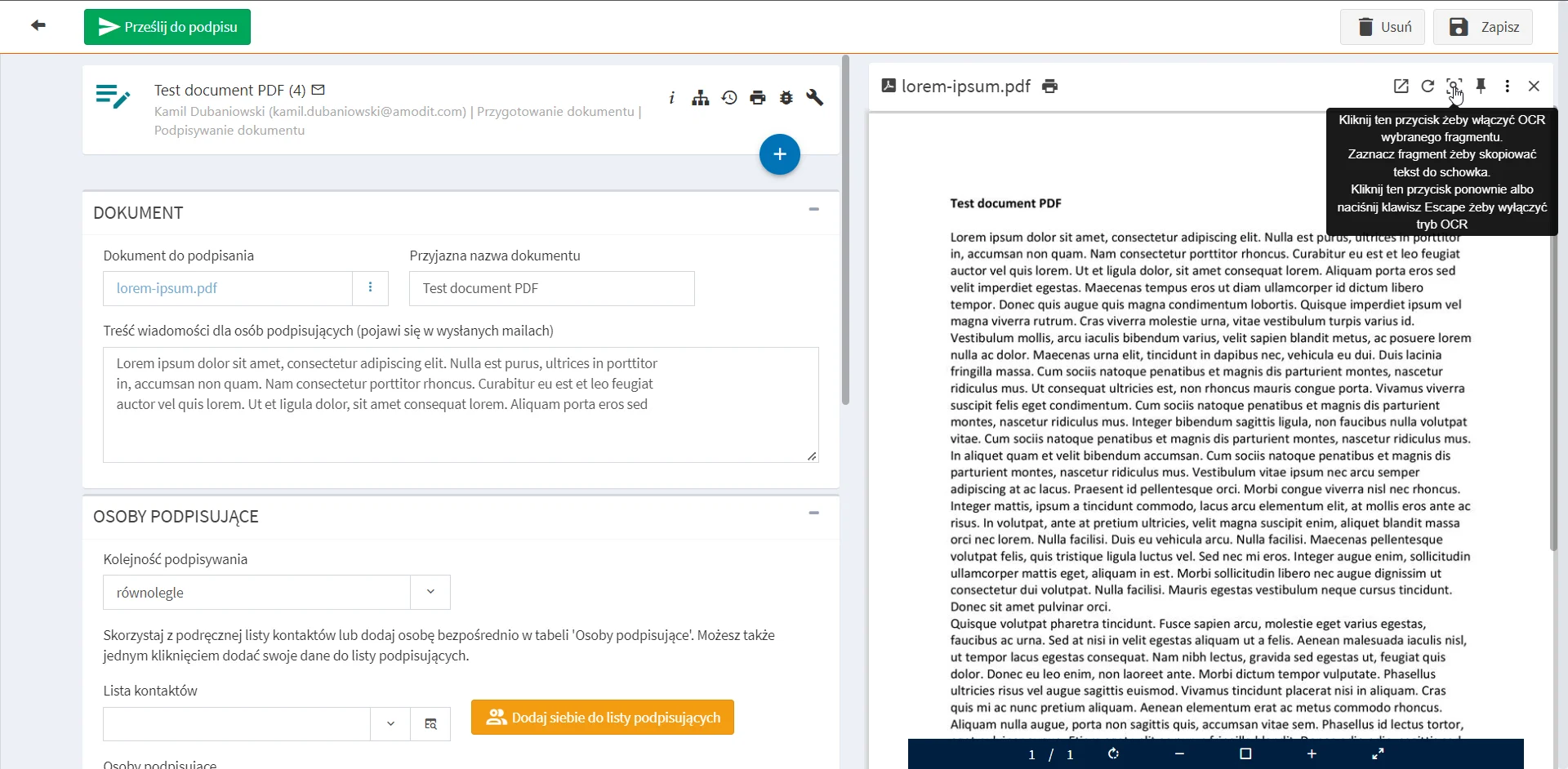
If no AMODIT form field has focus, the recognized text is copied to the clipboard and can be used inside or outside the application. To insert the value directly, place the cursor in the target field before selecting the text in the scan.
Example Uses
A contract form may need the counterparty, dates and subject. Incoming correspondence may need metadata that allows employees to find it later. An electronic personnel file may require an employee identifier, first name and last name. Local OCR captures those values from a selected area, while the employee verifies the result.
Review Document Data Capture
Identify document types that need flexible, user-guided OCR.