
How to Configure an Agent Rule in AMODIT
October 26, 2026
Features
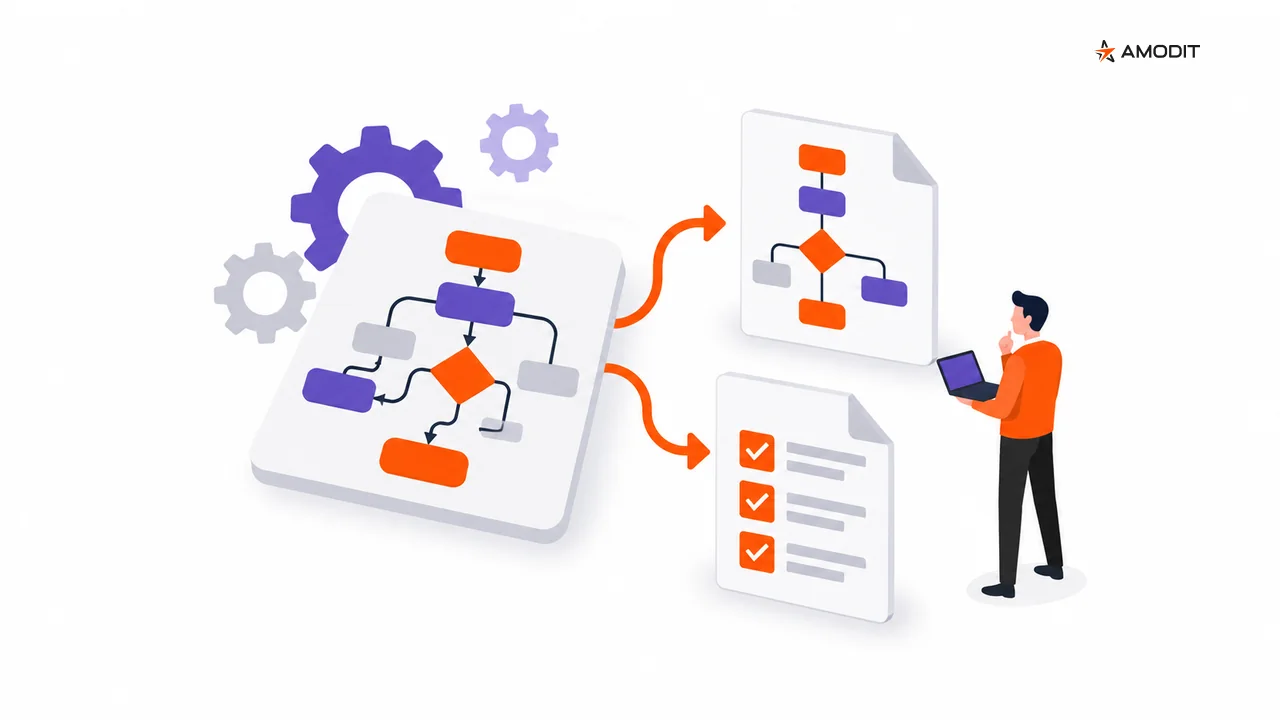
Some workflow tasks require interpretation rather than a simple condition. An AMODIT agent rule lets the administrator define when AI is invoked, what instructions and context it receives, what result it should return and how that result continues through the process. A person reviews and approves the outcome.
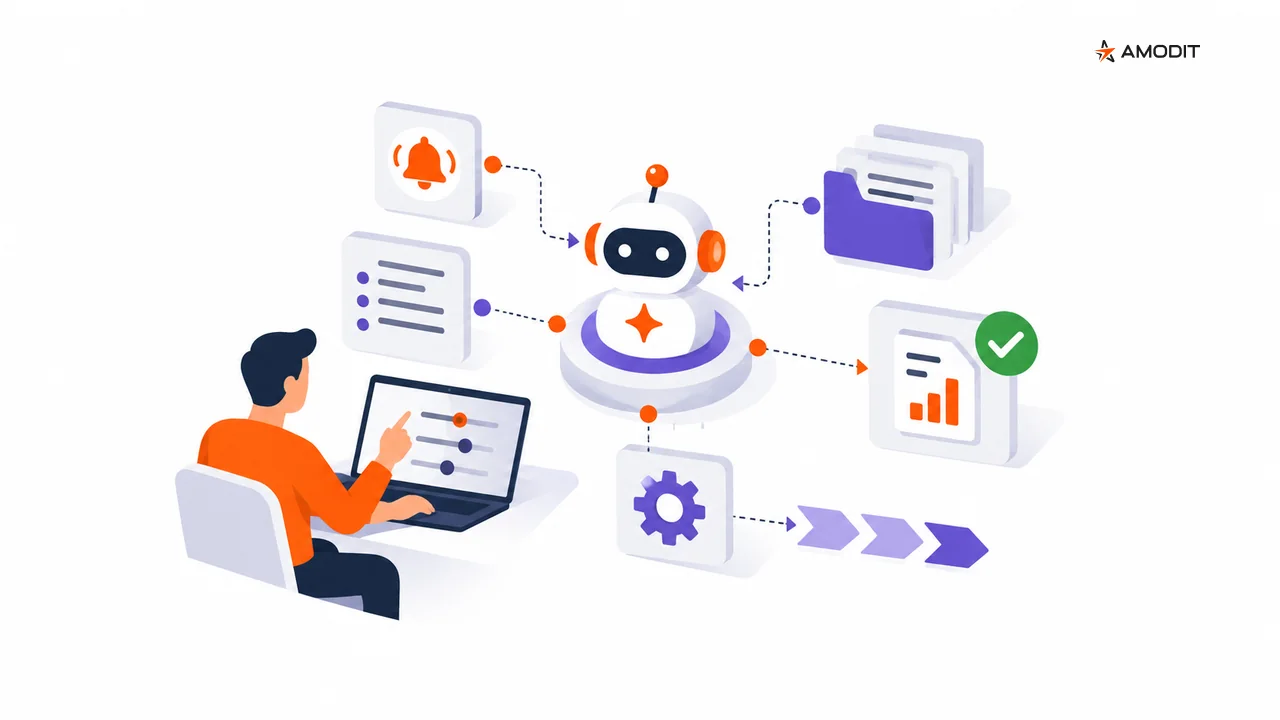
An agent rule is designed for a process task that cannot be reduced to a simple condition. The administrator defines the task, the point at which the rule runs, the information available to AI and the path that follows its response.
The AI output is a recommendation or prepared result. It does not become an independent process decision: a person checks it and approves the next step.
1. Identify the task that needs interpretation
Start with the work the agent should perform. The task should require interpretation of the provided information rather than a straightforward condition. This gives the rule a clear boundary and defines what the result is expected to address.
2. Select the trigger point
Choose the moment in the workflow when the agent rule should run. Consider that point together with the rule input: which data and context are available then, and how the result will be used later in the process.
A defined trigger provides a repeatable way to send the same type of task to AI at the intended stage.
3. Write the agent instruction
The instruction explains the task and the expected result. It should be clear enough for a person to compare the response with the purpose of the rule during review.
This is configuration of an existing AI model, not model training. The administrator defines how the model should handle a specific workflow task.
4. Provide input and context
The instruction states what to do, while the input and context provide the information to interpret. Keep these elements distinct in the rule design:
- the task described by the instruction,
- the input supplied when the rule starts,
- the context required to interpret that input.
Together, they create a repeatable way to provide the agent with process information.
5. Define the result and the next process step
Specify what the agent should return and how the workflow will use that output. The result enters the path designed by the administrator, where the responsible person can evaluate it against the task and context.
The human review point belongs in this path. AI prepares the result; the person approves what happens next.
6. Check safeguards and limitations
Before using the rule, verify that its design covers the interpretive task, trigger, instruction, input, context, expected result and subsequent workflow path. It should also make the human review and approval point explicit.
This checklist keeps control over when AI is used, what information it receives and how its output moves through the process.
AI prepares; people approve
Agent rules bring interpretation into a configured workflow while preserving human responsibility. The administrator controls the trigger and the subsequent path. The responsible person reviews the AI result and approves its use.
Explore related capabilities in AMODIT Copilot for process design and the product approach to AI-driven workflow.
Frequently asked questions
When should an administrator use an agent rule?
Use it for a process task that requires interpretation rather than a simple condition. The rule defines the input, context and expected result for that task.
What does the agent receive?
It receives the configured instruction, input and context required to perform the task.
What happens to the AI result?
The result continues through the workflow path defined by the administrator. A person reviews it against the task and context and approves the next step.
Does AI make the final process decision?
A person verifies the prepared result and approves its use. Human approval remains part of the configured process path.
Does an administrator train a model for the rule?
The administrator configures instructions, input and context for an existing AI model. The rule does not require the administrator to train a model.