AI-Driven Workflow
August 28, 2025
Business Tips
Business Tips
AI
Workflow
Organizations face growing volumes of data and documents alongside constant pressure to improve efficiency. Rule-based automation handles predictable paths; AI-driven workflow adds context analysis, recommendations and natural-language interaction. AMODIT brings these capabilities into controlled business processes.
What AI-driven workflow means
A traditional rule may send every invoice to a fixed department. AI-driven workflow can also:
- read and interpret the document regardless of format;
- compare it with a purchase order and flag discrepancies;
- recommend an approval path based on amount and content;
- answer natural-language questions about payment status.
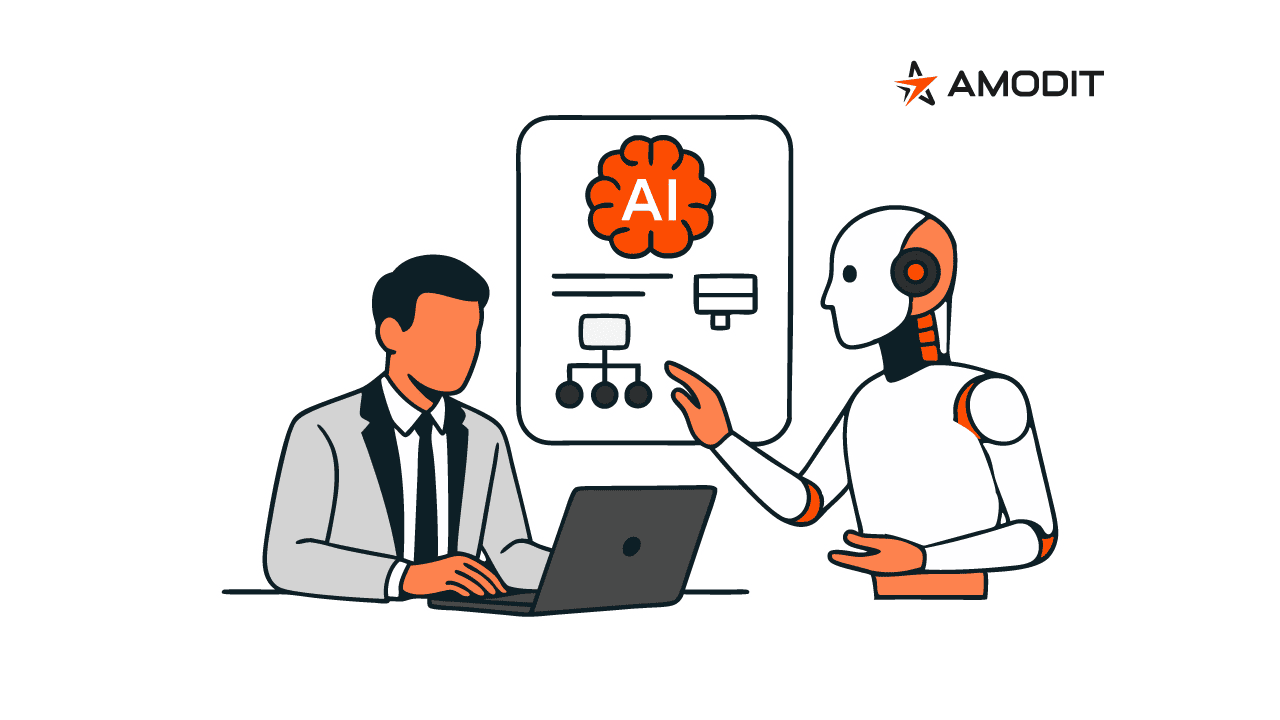
AI handles repetitive analysis and proposes actions, while employees verify the result and approve critical decisions.
See AI-driven workflow in practice with an AMODIT demo.
Four AMODIT capabilities for AI-driven workflow
AMODIT uses Microsoft Azure infrastructure and brings four AI capabilities into process work.
1. AMODIT AI OCR
AMODIT AI OCR reads document text, interprets context and supports classification and field validation across varied document formats.
- Finance: extracts bank-account numbers, tax IDs, amounts and dates from invoices and receipts for human verification.
- Logistics and construction: processes consignment notes, acceptance protocols and material records.
- Manufacturing: supports quality-control records and production reports. Existing models are selected and configured for the customer's document types.
2. AskAI
AskAI uses language models such as GPT-5 to work with documents and data in natural language. It can summarize long agreements, analyze requests for proposals and complaints, complete form fields from an attachment and identify clauses concerning contractual penalties.
3. AMODIT Copilot
AMODIT Copilot combines three layers of knowledge:
- General product knowledge for process configuration.
- Customer-specific knowledge about implemented processes and reports.
- A private knowledge base containing authorized internal policies and instructions.
Based on a description such as an invoice approval process with three amount thresholds, Copilot can propose a process diagram. A person reviews and approves the configuration.
4. Natural-language report filters
An authorized user can describe the required result, for example employees hired this year at the Warsaw branch whose medical examinations have expired. AI converts the instruction into report criteria and presents the result for user review.
Security and responsible AI
- Data control: the customer decides what data is sent to the configured AI service.
- Human verification: people verify critical outputs and approve decisions.
- Phased implementation: teams begin with lower-risk tasks and expand after validating the results.
AI-driven workflow in 2026
AI can identify bottlenecks, forecast resource needs and recommend process improvements. AMODIT connects these capabilities with document workflow, permissions and human approval so teams can improve processing time and data quality while retaining control.
AI-driven workflow FAQ
1What is AI-driven workflow?
AI-driven workflow adds context analysis, recommendations and natural-language interaction to rule-based automation. People verify AI output and approve critical decisions.
2Which AI-driven workflow features are available in AMODIT?
AMODIT includes AI OCR for document recognition, AskAI for natural-language document work, AMODIT Copilot for process assistance and natural-language filters for reports.
3How does AMODIT apply responsible AI controls?
The customer controls the data shared with AI services, critical results require human verification and implementation proceeds in stages from lower-risk work.
4Which departments can use AI-driven workflow?
Applications include Finance, HR, Legal, Administration and IT, as well as document-intensive operations in manufacturing, FMCG and telecommunications.
5What changes after implementing AI-driven workflow?
Teams can shorten document analysis, reduce manual data entry and receive recommendations about bottlenecks and process improvements. Employees remain responsible for reviewing outputs and approving decisions.