Document Management Systems in 2026
April 27, 2026
Business Tips
Document Management
Workflow
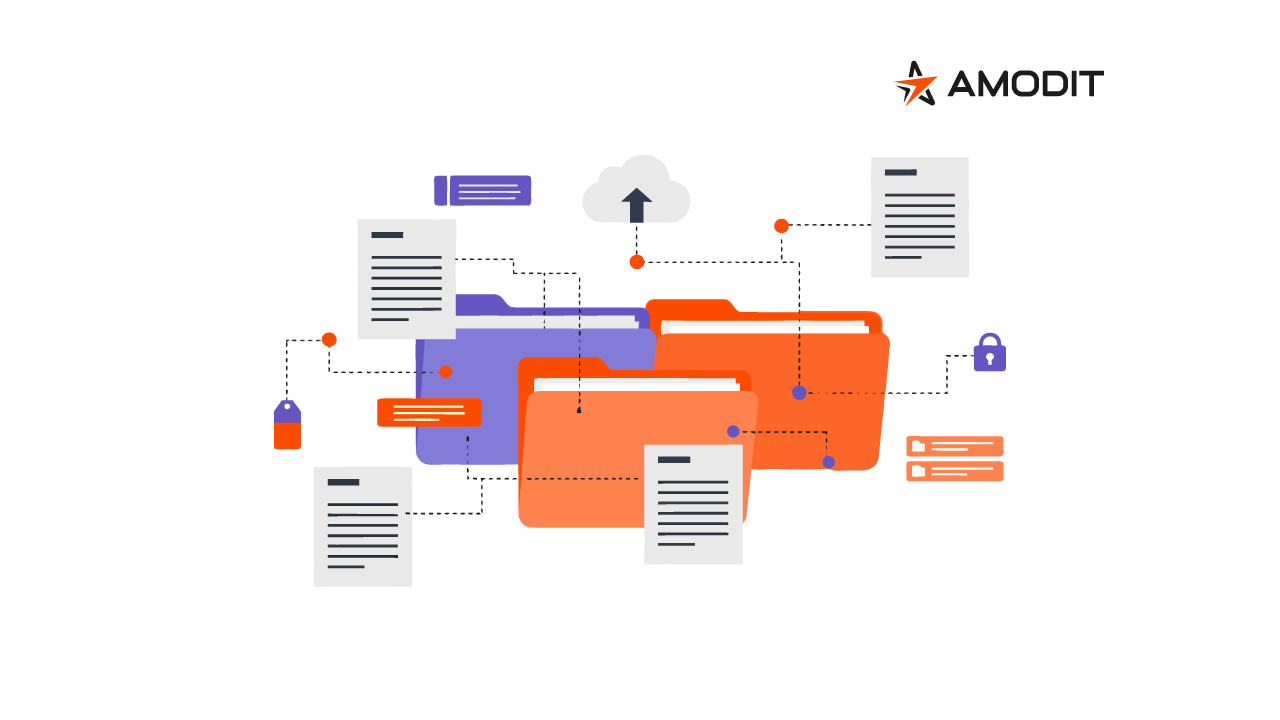
A document management system (DMS) organizes how an organization stores, describes, finds and shares documents. Unlike a basic file repository, it gives each document context through metadata, change history and permissions.
The Role of a DMS
A DMS eliminates information chaos. Documents no longer sit across email, network folders and local drives, and access does not depend on one employee. The organization gains one controlled source showing where a document is, who can access it and which version is current.
In 2026, document management systems increasingly serve as a foundation for digital information management. They support archiving, team collaboration, compliance controls and integration. They can also provide the starting point for workflow automation and AI-assisted document work.
The DMS therefore becomes part of the operating environment for business information, not merely a storage tool.
How a DMS Works
Documents enter a central environment where they are registered, described, stored and shared according to defined rules. Each file receives metadata that makes it easier to find, connect with other information and control throughout its lifecycle.
A document can arrive from a computer, email attachment, scanner or another system. It is classified with fields such as type, department, date and case number, then stored in a structured repository.
Versioning preserves successive changes, allowing users to follow history, compare versions and restore an earlier state. Permissions limit documents to designated people or roles.
Search can use file names, content, metadata and document relationships. Documents function as controlled information objects rather than anonymous files in folders.
Core Capabilities
The main DMS capabilities form one connected information-management environment:
- Central repository: keeps files together and reduces fragmented copies.
- Metadata and classification: describes documents by type, department, status and other fields.
- Versioning and change history: records changes and supports restoration.
- Permission management: controls access by user or role.
- Search and retrieval: finds documents using multiple criteria, including content.
- Controlled collaboration: lets several people work with the same document under defined rules.
- Integrations: connects the DMS with ERP, CRM and email systems.
Where Organizations Use a DMS
A DMS applies wherever a large document volume requires control. It can support the entire organization rather than a single department.
Common applications include operational documentation such as procedures, instructions and internal records. Employees receive one current source instead of competing copies.