MCP Client and MCP Server in Practice
October 28, 2026
Features
MCP can connect AI with tools in two directions. As an MCP client, AMODIT uses tools exposed by an external server. As an MCP server, AMODIT exposes selected capabilities to external AI clients. The distinction determines where the agent works, which tools are available and how access must be controlled.
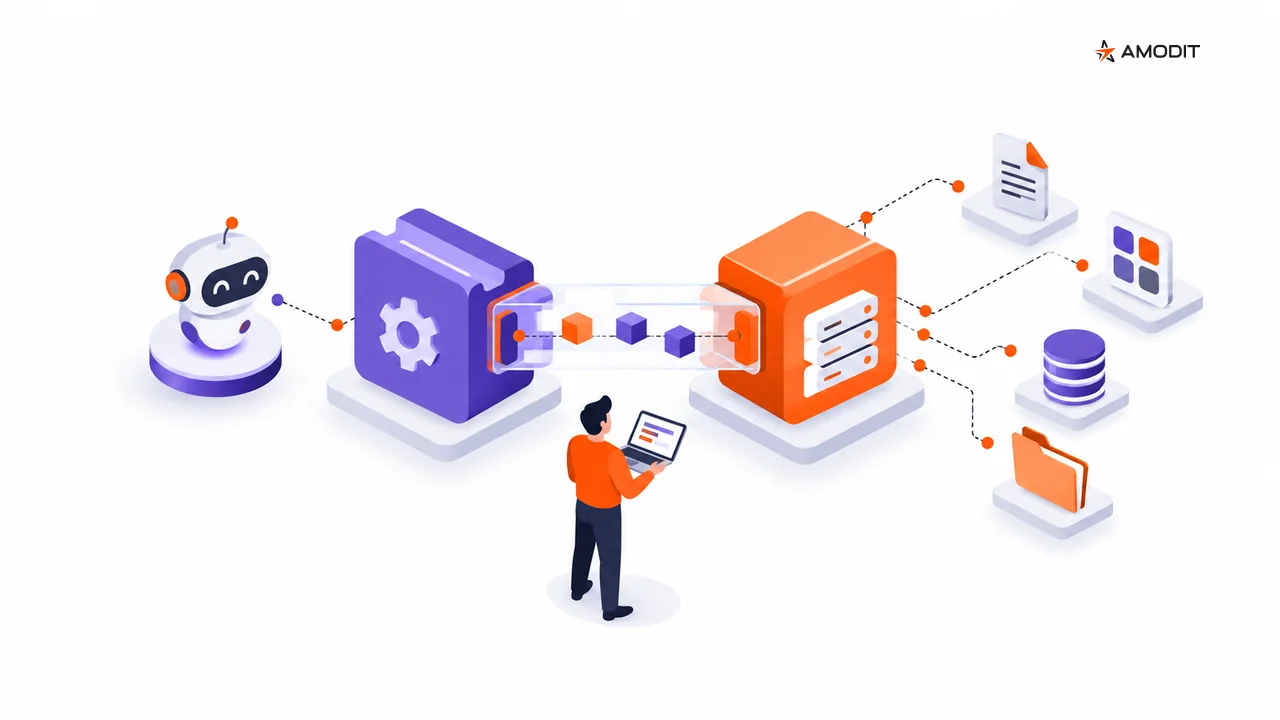
MCP gives AI mechanisms access to tools and actions beyond the model itself. In AMODIT, the connection can work in either direction. The distinction matters because it changes who provides the tools, where the agent operates and which access controls apply.
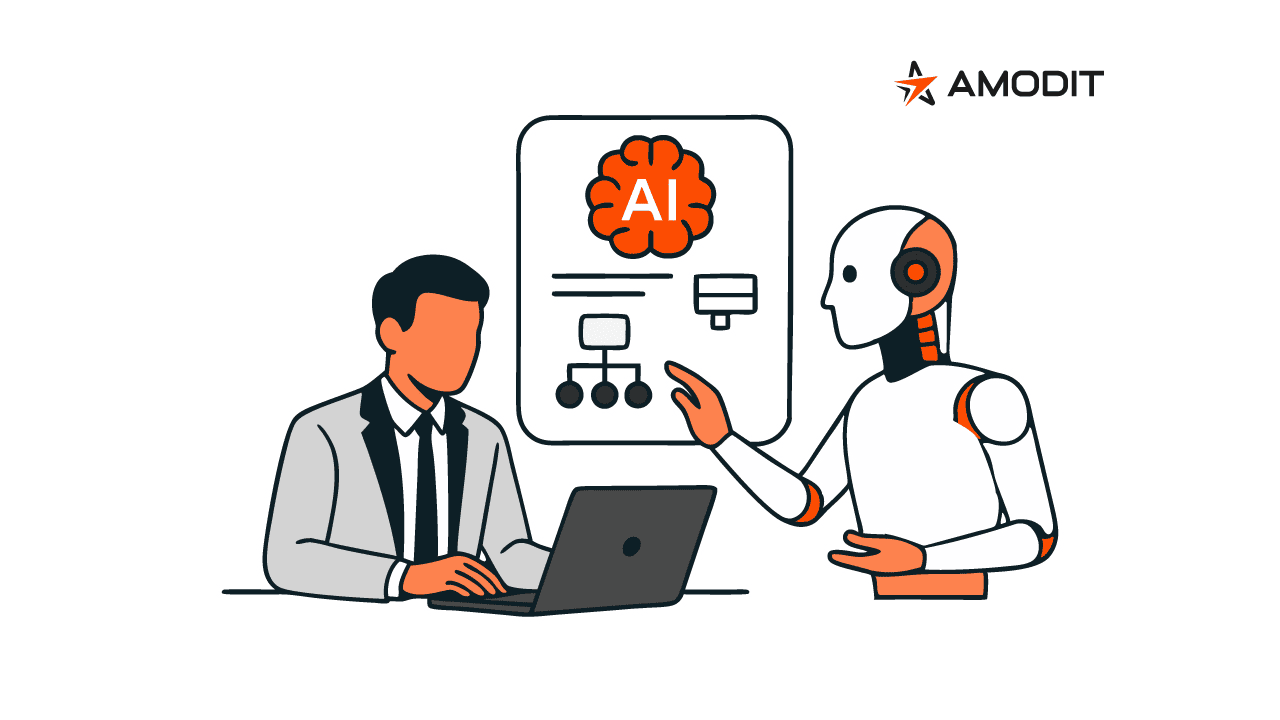
In both models, AI supports the task while a person remains responsible for the decision. People review the result and approve an action according to the process.
Two directions, two roles
The simplest way to distinguish the models is to ask where the AI agent is working:
- AMODIT as an MCP client: an agent in AMODIT uses a tool provided by an external MCP server.
- AMODIT as an MCP server: an external AI client uses selected tools exposed by AMODIT.
MCP is therefore not a single ready-made integration. It is a common way to connect tools to an AI scenario. The actual scope depends on the configured connection, the functions made available and the authorized access.
Connecting through MCP does not mean training an AI model. AMODIT uses existing models and configures them for the scenario through elements such as instructions, knowledge and available tools.
MCP client: AI in AMODIT uses external tools
In the client model, the AI mechanism operates in AMODIT. An administrator configures a connection to an external MCP server, controls which tools are available and includes authorization in the setup. An AMODIT agent can then use an available tool as part of its task.
The confirmed administrative scope covers:
- connection configuration,
- available tools and their availability,
- authorization,
- tool use by the agent,
- errors and limitations.
The source materials do not name external systems or provide a list of ready-to-use MCP servers. They also do not confirm a connection to every system. The scope applies to servers that expose tools through MCP and have been connected in the relevant environment.
MCP server: AMODIT exposes selected capabilities
In the server model, an external AI client receives controlled access to selected AMODIT tools. This allows a user to work with AMODIT from a chosen AI tool and combine AMODIT data and actions with a broader cross-system scenario.
The source describes the exposed scope as selected AMODIT capabilities and tools. Its general MCP example refers to retrieving available data, executing commands and working with workflows. It does not provide a catalog of tool names, operations, objects or parameters, so the public description is not an API specification.
The confirmed administrative scope covers:
- the access point,
- exposed tools,
- authorization,
- the usage scenario,
- audit and limitations.
The exposed functions and access controls are explicit parts of this model. Connecting a client does not, by itself, provide unrestricted access to all of AMODIT.
Authorization and human approval solve different problems
Authorization determines whether a client can connect and use an exposed tool. Human approval determines whether the result or proposed action should be used in the business process.
An MCP scenario should therefore combine both levels of control:
- the administrator defines the connection, available functions and access,
- a person reviews the agent's output,
- a person approves the action or decision in the process.
The materials do not specify an authorization method or a technical approval mechanism for every MCP call. They do not confirm named authorization standards, universal inheritance of user permissions or a built-in approval gate on each operation. These controls must be defined for the specific scenario and environment.
Errors and audit have different confirmed scopes
Error handling is explicitly included in the MCP client scope. Administrators need to account for it when configuring the connection and the agent's use of tools. The material does not define error types, presentation, automatic retries or fallback behavior, so those behaviors should not be assumed without a solution-specific design.
Audit is explicitly included in the MCP server scope. This confirms that audit must be considered when AMODIT capabilities are exposed externally. The source does not specify recorded events, log contents or retention. It also does not explicitly confirm a separate audit capability for MCP client connections.
Five questions to answer before connecting MCP
- Will the agent operate in AMODIT or in an external AI tool?
- Which specific tools should be available?
- Who can use them, and under which access rules?
- Where will a person review and approve the output or action?
- How will the team handle an error, and what audit evidence is required?
These questions help define the correct direction and a clear scope without implying capabilities that have not been configured. Explore the wider product approach to AI-driven workflow and AMODIT integrations.
Frequently asked questions
Are the MCP client and MCP server the same capability?
No. The client lets AI in AMODIT use tools from an external MCP server. The server exposes selected AMODIT capabilities to external AI clients and tools.
What does the AMODIT MCP server expose?
Selected AMODIT tools and capabilities. The material refers to available data, commands and workflows but does not provide a closed catalog of operations. The scope must be explicitly defined for each scenario.
Does MCP mean AMODIT integrates with every system?
The source materials do not make that claim. The AMODIT client uses tools made available by a connected external MCP server. No list of ready-made connections or universal compatibility is provided.
Can an AI agent approve actions performed through MCP?
AI supports the task, while a person reviews the result and retains the decision. The approval approach must be designed for the process and the scope of the exposed tools.
Does connecting through MCP require training an AI model?
No. AMODIT uses existing models and configures them for the scenario. MCP provides tools that an agent can use.
Do the materials confirm an audit trail for every MCP call?
Audit is a confirmed part of the MCP server scope. The materials do not define recorded events or retention, and they do not explicitly confirm a separate audit capability for MCP client connections.