AMODIT Client Tool
April 28, 2015
Features
Features
Desktop Tools
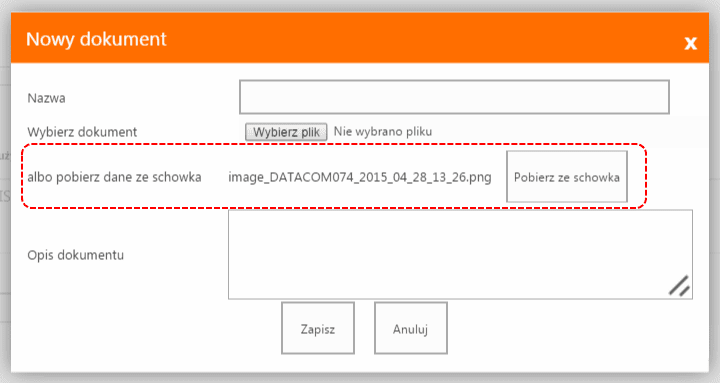
AMODIT Client Tool extends the browser interface with desktop functions: scanning from a desktop scanner, printing barcodes on a label printer, and copying files or screenshots from the clipboard.

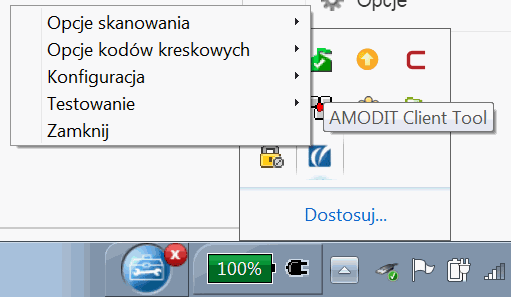
After installation, the tool appears as an icon in the system tray. Its functions are available from the right-click menu.
Installation also adds another option when a user attaches a file in AMODIT.