TOTP Authentication for AMODIT MFA
November 14, 2024
Updates
Updates
Security
AMODIT multi-factor authentication now supports authenticator apps based on the Time-based One-Time Password standard. Users can choose TOTP in addition to verification by email or SMS.
More Choice for Account Verification
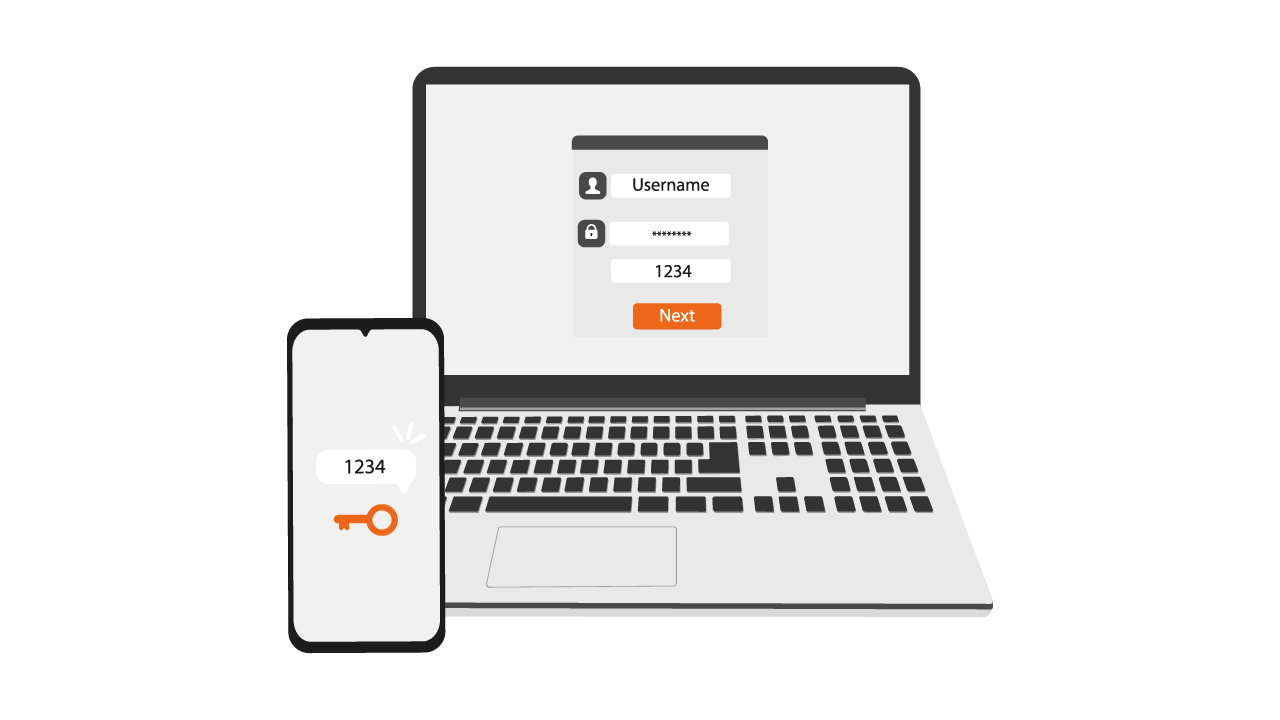
AMODIT already requested a verification code when a user signed in on a new device. TOTP apps add a method that provides quick access to codes, works without email or cellular service, and follows a widely used security standard.
Verification in AMODIT
- A new device triggers verification.
- The user can trust the device or select one-time access.
- Verification on a trusted device is skipped for 30 days.
- Existing security mechanisms continue to apply.
Codes can arrive by email, by SMS, or through a TOTP authenticator app.
Supported Authenticator Apps
Any app compatible with the TOTP standard can be used, including Google Authenticator, Microsoft Authenticator, Authy, 2FAS Auth, LastPass Authenticator, and other compatible applications.
Choose the Method That Fits the User
- Email: familiar verification for users with reliable mailbox access.
- SMS: a direct code delivered to a mobile phone.
- TOTP app: offline code generation and a choice of compatible applications.
Configure TOTP in Four Steps
- Install a compatible TOTP app on the phone.
- Select authenticator-app verification in the AMODIT user profile.
- Scan the displayed QR code.
- Enter the code from the app to confirm configuration.
Existing Options Remain Available
- Email and SMS verification continue to work.
- Trusted-device behavior is the same for every method.
- Users retain control over their device list.
- The support team remains available.
Frequently Asked Questions
Changing the Method Is Optional
Users can continue with email or SMS.
Recovery After Losing a Phone
The user can return to email or SMS verification or configure the app on a new device.
Other Authenticator Apps
Any TOTP-compatible authenticator app is supported.
Changing the Method Later
The verification method can be changed in profile settings.
Start Using TOTP
Authenticator apps provide a convenient security option alongside email and SMS. Detailed configuration instructions are available in the AMODIT knowledge base, and the technical support team can assist when needed.
Security With User Choice
Extending MFA gives users control over how they receive verification codes while preserving trusted-device controls and the existing email and SMS methods.