AMODIT WCAG 2.0 AA Accessibility Features
November 20, 2025
News
News
Accessibility
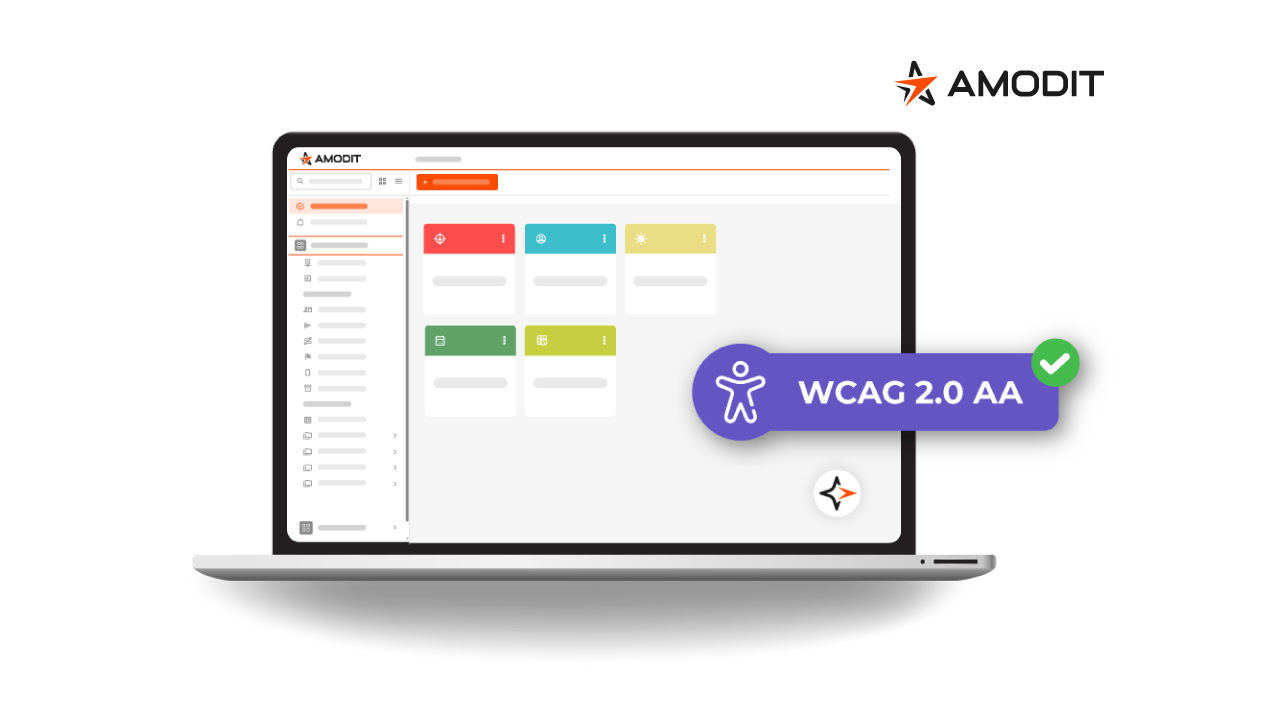
AMODIT is being aligned with WCAG 2.0 AA recommendations to support users with disabilities, particularly people with visual impairments. New features include high-contrast mode, a simplified case view, keyboard navigation and screen-reader compatibility.
Why WCAG 2.0 AA matters
WCAG 2.0 AA, developed by the World Wide Web Consortium, is a recognized standard for accessible digital content. The AA level addresses criteria that affect a broad range of users, including people with low vision. The work supports two goals:
- Equal access to technology: users who are blind or have low vision can operate the system alongside other users.
- Business value: a broader user base, support for regulatory compliance, better usability and an inclusive brand experience.
Accessibility changes in AMODIT
Screen-reader compatibility
AMODIT is designed to work with assistive technologies, including screen readers. The changes include:
- Semantic labels for interactive controls, such as save buttons and attachment checkboxes.
- Structural markup for tables and reports so screen readers can interpret the data correctly.
- Keyboard navigation that can be combined with a screen reader and high-contrast mode.
Display modes
Special display modes support different user needs:
- High-contrast mode increases the contrast of system colors, improving readability for users with low vision or color-vision deficiencies.
- Simplified case view uses clearer forms, larger controls, fewer distractions and improved keyboard support.
Keyboard navigation
The interface can be operated without a mouse. Available controls include:
- Tab moves to the next active element.
- Shift + Tab returns to the previous element.
- Enter activates a selected button, link or list.
- Space selects or clears checkboxes and activates supported controls.
- Arrow keys navigate lists, menus and calendars.
- Esc closes active dialogs and lists.
These controls support people who use only a keyboard, including users with motor disabilities.
Conformance statement
AMODIT has an official WCAG 2.0 AA conformance statement and documentation describing implemented accessibility features and areas that may require additional support. This gives users clear guidance and helps organizations document conformance.
Benefits for every user
Accessibility features are especially important for people with disabilities and also improve everyday work for a wider audience:
- Higher contrast, a logical interface and keyboard operation improve usability.
- Clear interaction reduces errors, supports faster task completion and limits eye strain.
- Accessible design signals that an organization responds to the needs of employees and customers.
Inclusion as a priority
AMODIT accessibility supports comfortable, effective work regardless of a user's vision, motor skills, perception or technical experience. It gives people with low vision greater independence and improves the experience for everyone.