User Activity Audit Trail
August 4, 2022
Features
Audit Trail
Detailed activity records make disputed events easier to analyze. AMODIT expands case history with user context, document events and administrative audit trails.

Case Activity History
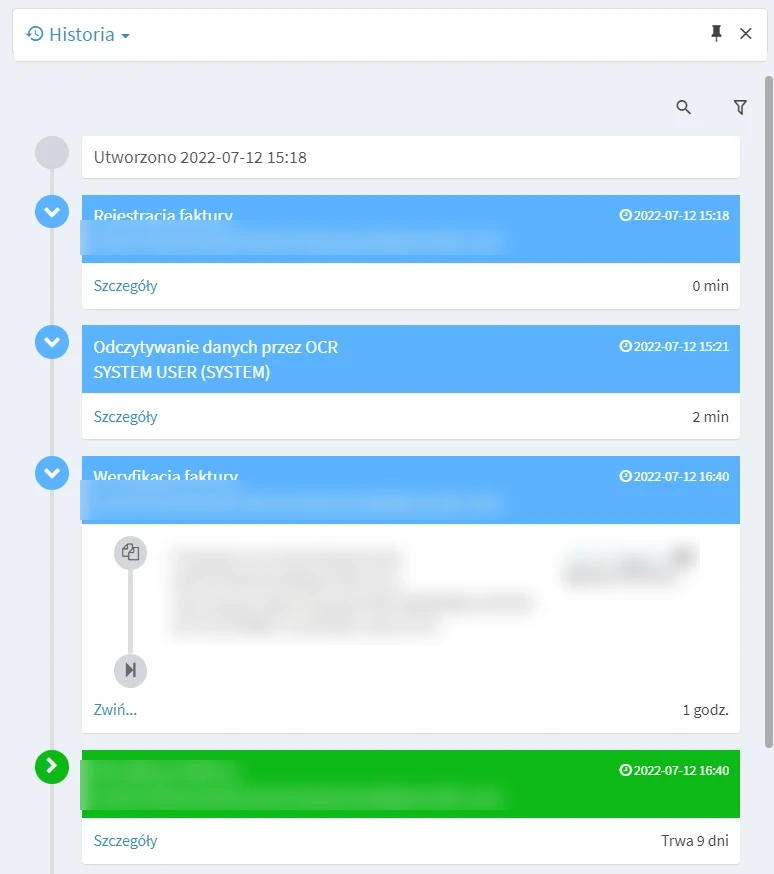
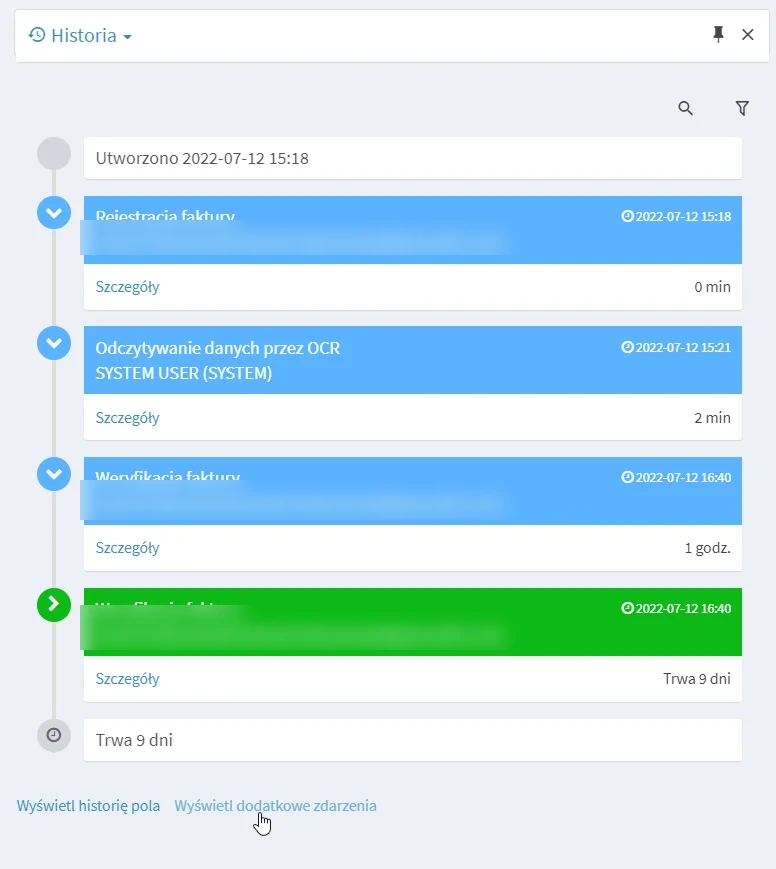
AMODIT case history records form edits, business-rule actions and movement between stages and users. The timeline helps reconstruct individual steps, including when an action occurred and which user performed it.
User Context at the Time of a Change
Expanded details include the IP address and the permissions held by the user when the action occurred. This helps explain cases where a person appears in the history but no longer has access.
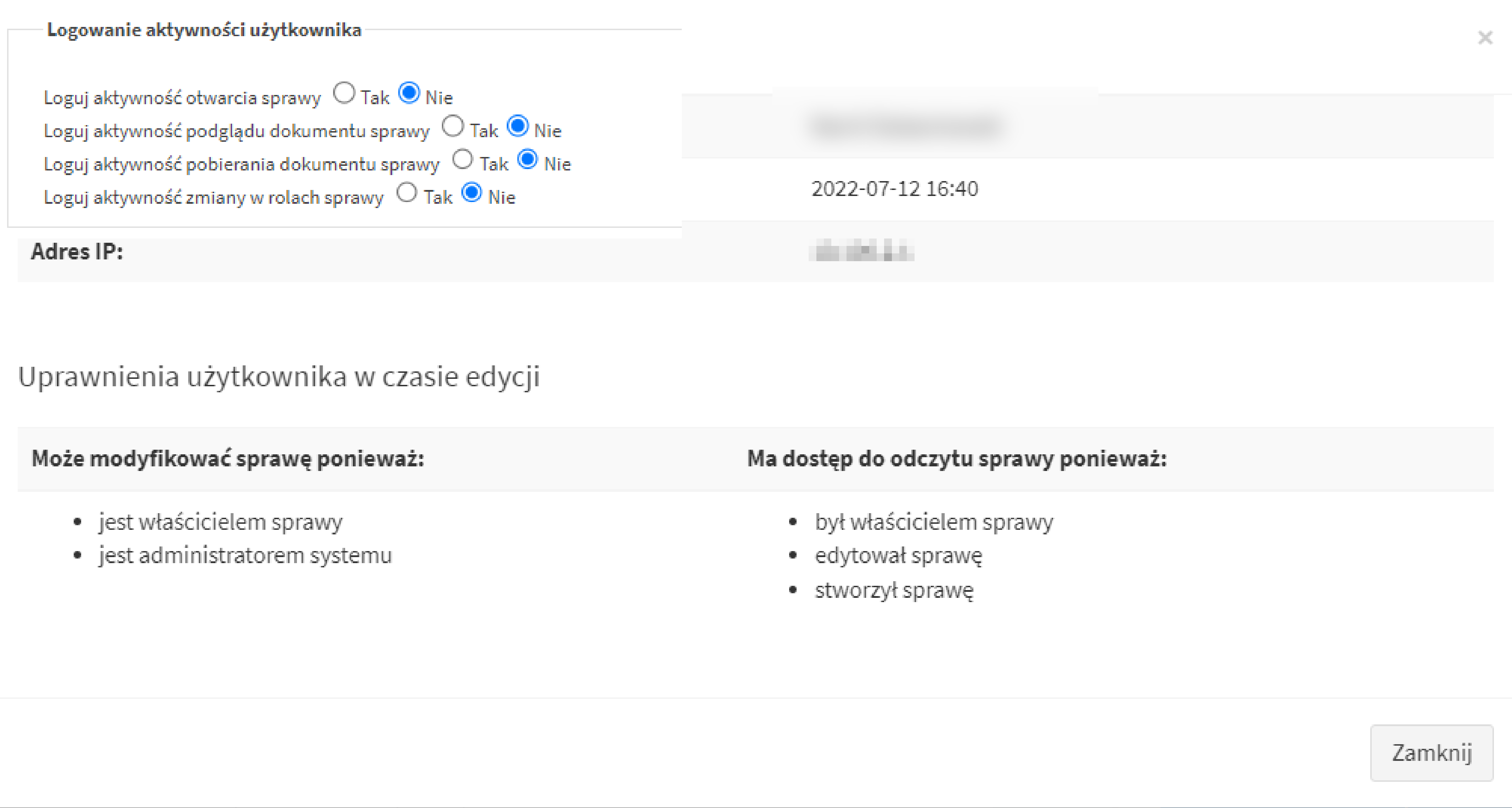
Users open these details by selecting the person shown next to a recorded change.
Additional Recorded Events
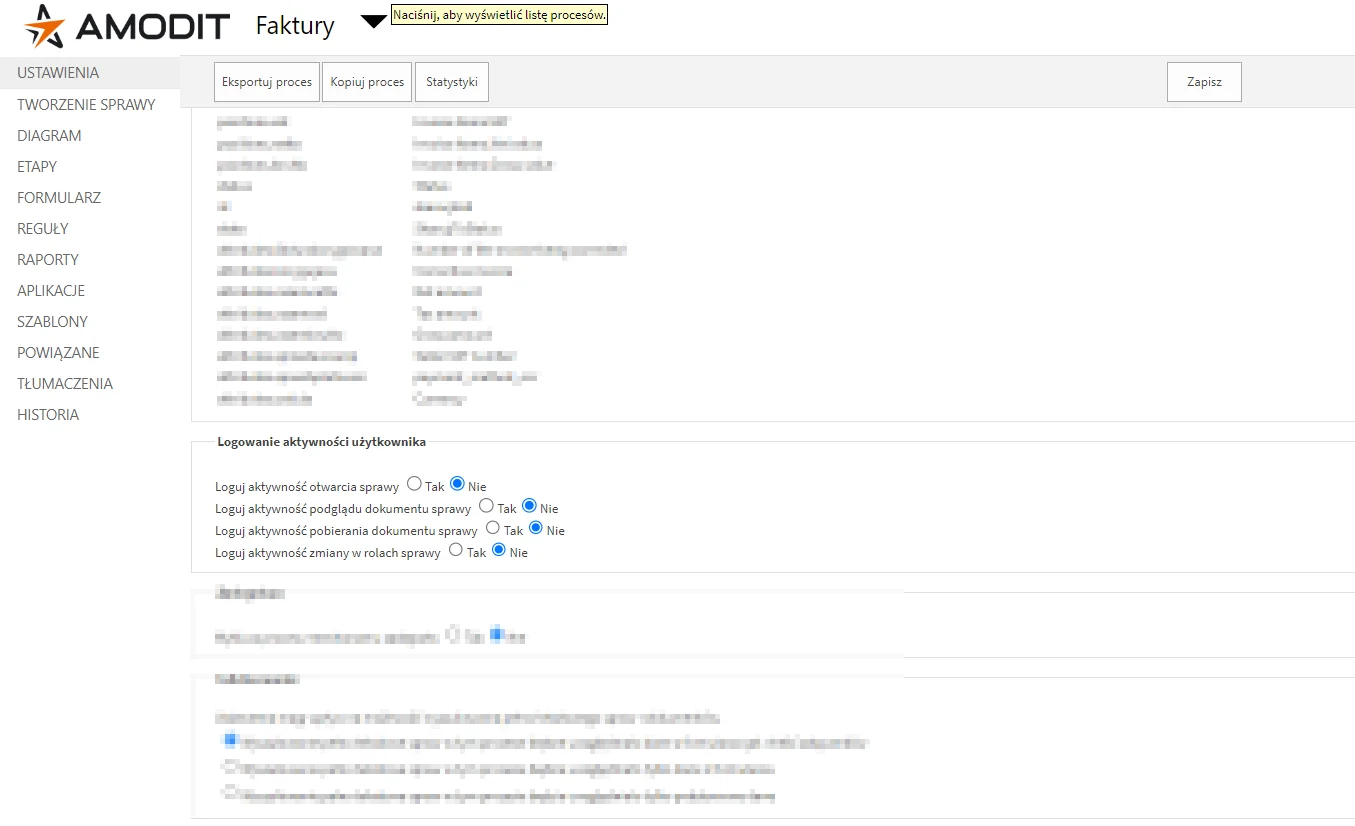
Optional event logging can record when a user opens a case, previews or downloads an attachment, or uses another account in a new role, such as adding a collaborator or assigning a related case.
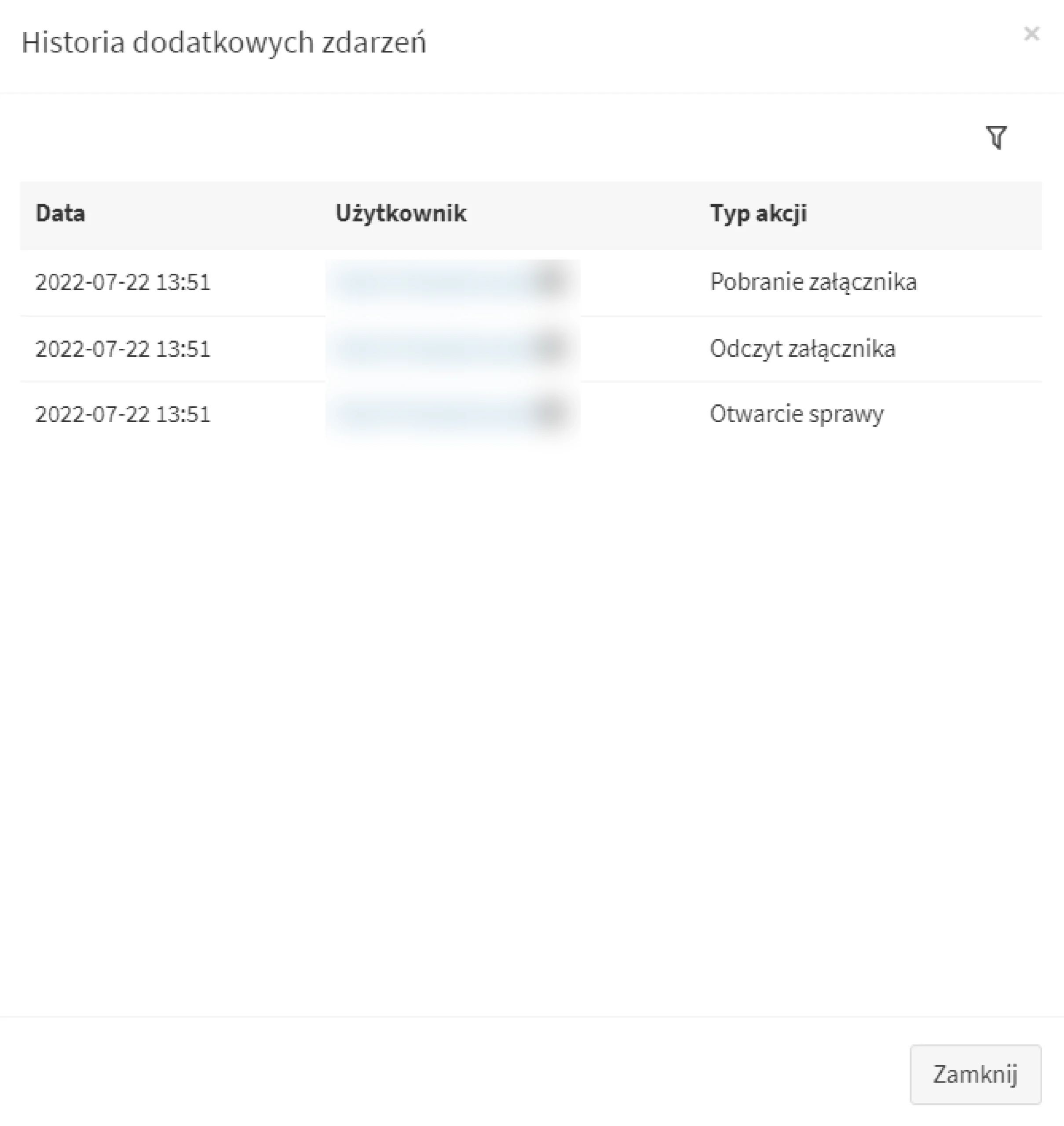
Process administrators enable selected events in the process settings.
The case then provides an option to display the additional event history.
Administrative Activity History
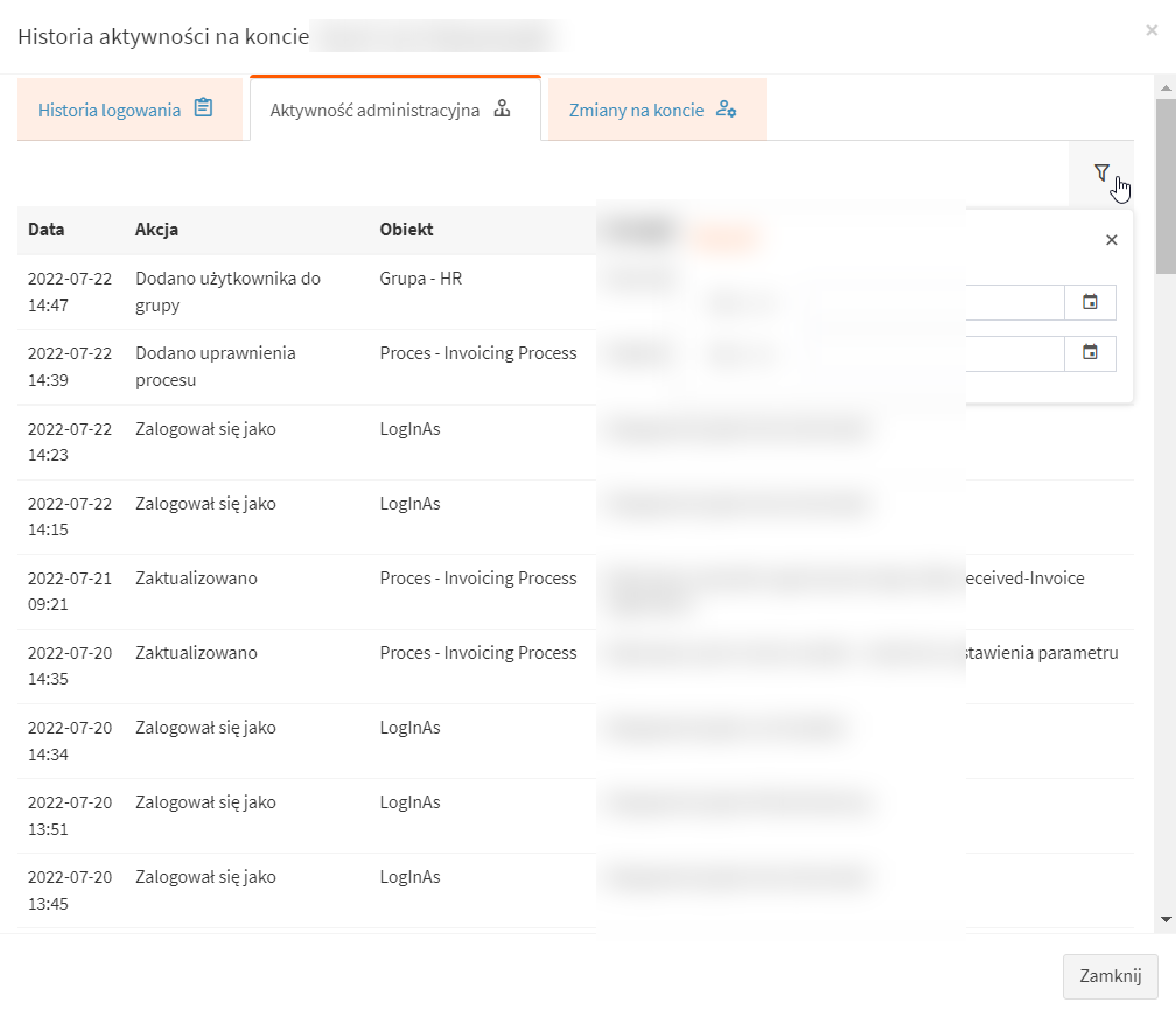
Users with administrative roles can change process configuration, application settings and user accounts. AMODIT collects these events in an account-level history. Each user can review activity for their own account, while authorized administrators can review activity across accounts.
Administrative Actions
A dedicated, filterable tab brings together configuration actions performed by an administrator.
Account Changes
The history also records permissions granted or removed, group membership changes and other administrative actions affecting an account.
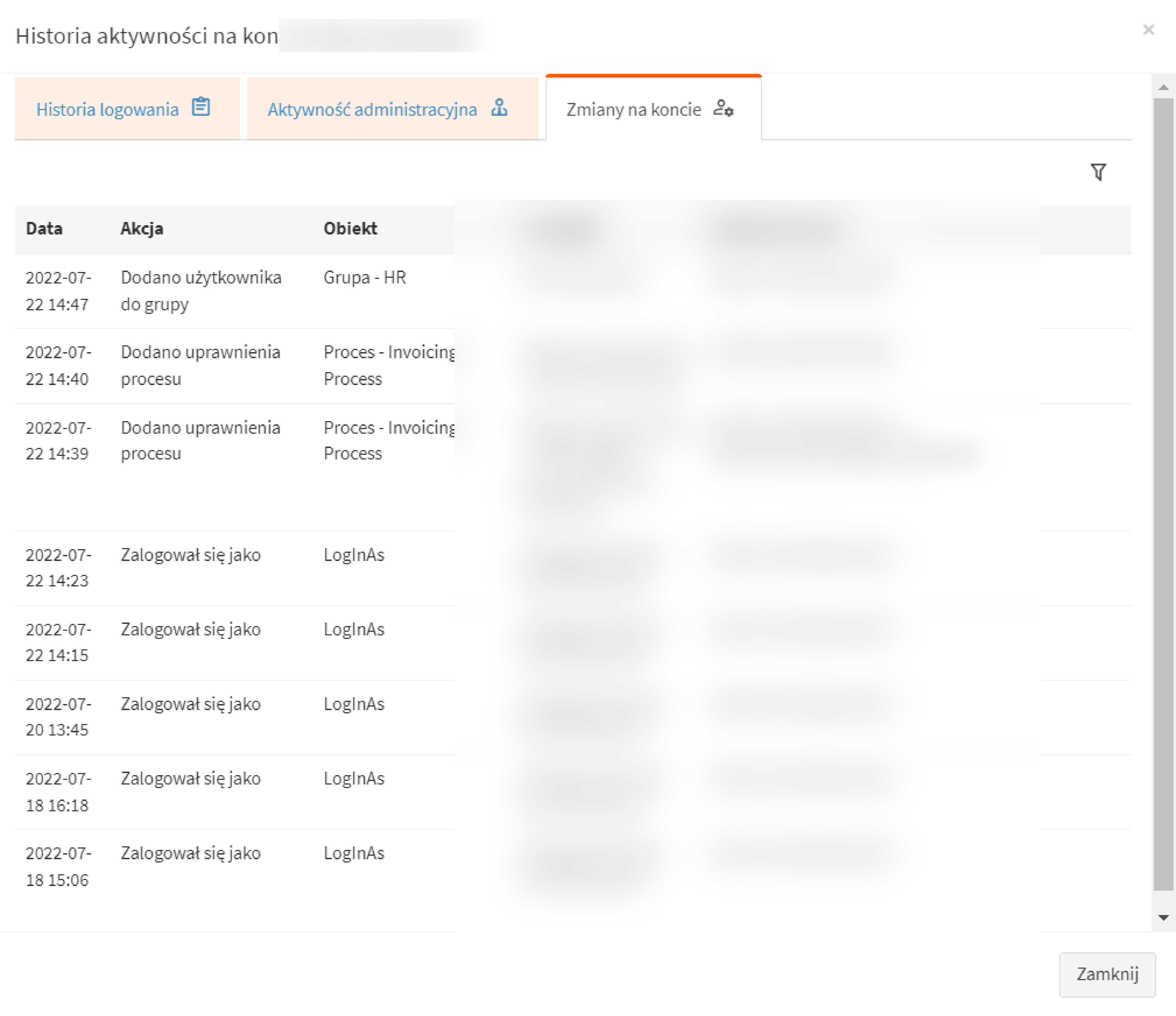
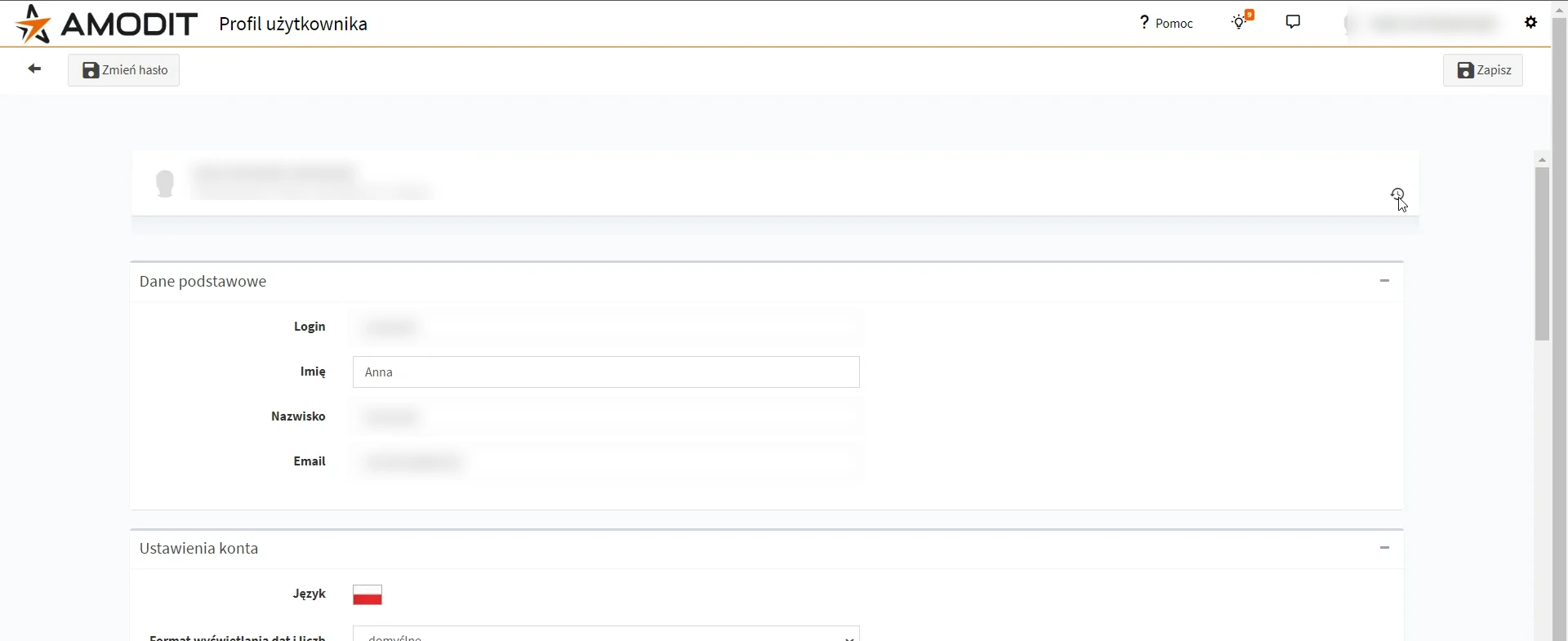
Both views are available from the selected user profile.