Workflow and Process Automation
February 13, 2025
Business Tips
Workflow
Process Automation
Manual tasks, paper documents and limited process visibility increase the risk of delay and error. Workflow defines how work moves between people and systems, creating the structure required for controlled business process automation.
A Structure for Repeatable Work
This guide explains how workflow operates, how it supports document processes and where automation reduces recurring administrative work.
What Is Workflow?
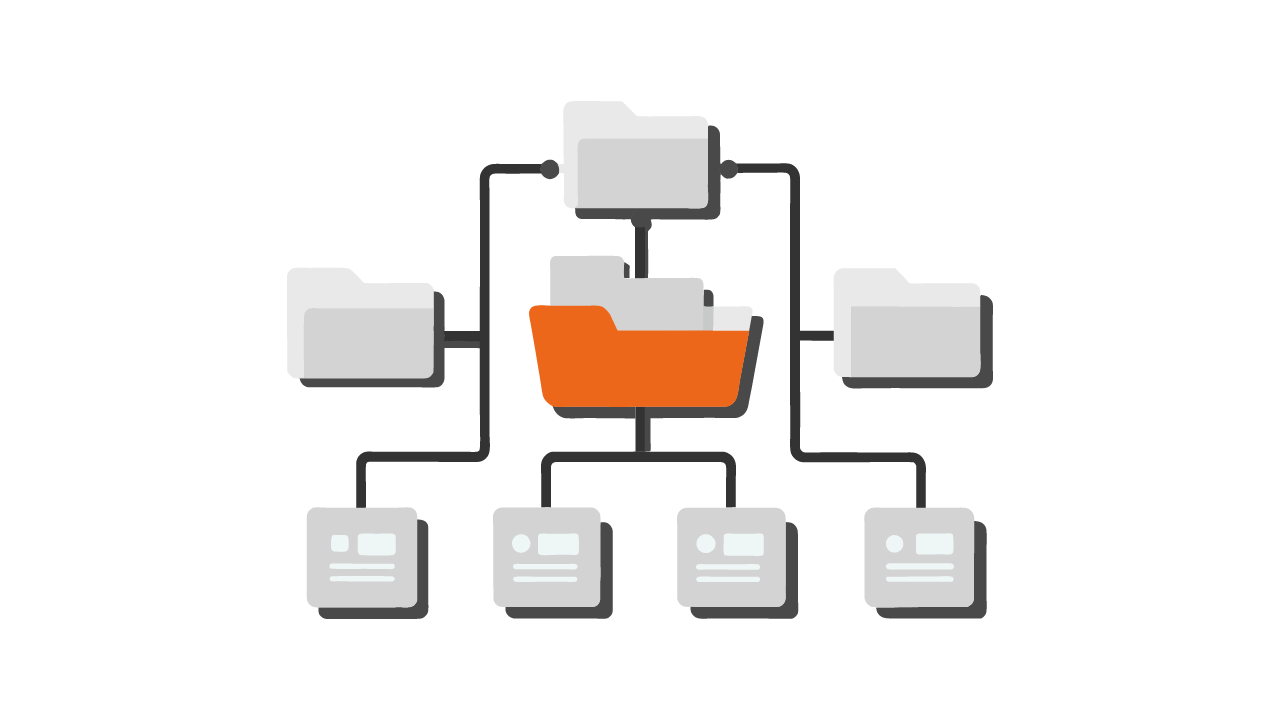
Workflow is an organized sequence of activities that completes a business process. It can include tasks performed by employees and steps processed automatically by a workflow platform. Its purpose is to standardize execution, remove unnecessary handoffs and make responsibility visible.
Common applications include document routing, request approval, invoice handling and HR processes.
How a Workflow Platform Works
- Process definition: identifies the steps required.
- Roles and responsibilities: assigns work to people or departments.
- Task routing: sends documents and information to the next responsible person.
- Rules and conditions: applies logic such as requiring Finance Director approval above a defined invoice amount.
- Monitoring and reporting: shows process status and potential delays.
What Is Business Process Automation?
Business process automation uses technology to handle repeatable work and coordinate teams. A workflow platform can route data and documents, notify users about tasks, apply defined validation rules and generate process reports.
Processes That Can Be Automated
- Document handling: document workflow, controlled archiving and data validation.
- HR: recruitment, onboarding, leave requests and personnel files.
- Finance: invoice workflow, expense approval and financial reporting.
- Sales and service: lead assignment, quote generation and contract management.
- Project work: task assignment, progress monitoring and reminders.
Expected Benefits
- More time for higher-value work: routine routing and notifications no longer require the same manual effort.
- Fewer avoidable errors: defined rules check required information while people review exceptions.
- Consistent execution: the same process steps apply across teams.
- Visibility: status and responsibility can be monitored without searching email.
- Employee experience: fewer repetitive handoffs leave more time for judgment and customer work.
Workflow as the Foundation
A workflow platform coordinates tasks, routes documents, applies deadlines and records each step. Consider a purchase invoice.
Manual Path
- An employee enters the invoice.
- The document is emailed for approval.
- Work pauses while the approver responds.
- The approved invoice is forwarded to accounting.
- Accounting posts and pays it.
Automated Path
- The invoice is captured and registered.
- Workflow routes it according to defined rules.
- The system notifies responsible users.
- After approval, the document moves to accounting for posting.
- Status and history remain visible throughout the process.
Removing Bottlenecks
- automatic task assignment;
- clear case status;
- business rules for routing and required checks;
- data exchange with accounting, CRM, ERP and other systems.
How to Select a Workflow Platform
- Usability and configuration: process owners should be able to understand and revise the workflow.
- Flexibility: forms and paths must reflect operating requirements.
- Integrations: the platform should connect with ERP, CRM, HR and accounting systems.
- Document management: routing and controlled archiving should work within the process.
- Security and compliance: encryption, permissions and GDPR controls must match the deployment.
Useful Platform Features
- visual process configuration;
- automatic notifications;
- business rules and approval conditions;
- monitoring and reporting.
Signals That Workflow Is Needed
- documents are disorganized and process status is unclear;
- manual handoffs delay work;
- responsibility is hard to trace;
- recurring errors result from missing controls.
How AMODIT Supports Automation
AMODIT is a configurable workflow platform for building process applications without conventional programming. It routes documents, records progress and applies approved procedures.
Document Workflow Capabilities
- document registration and classification;
- electronic signatures and approval paths;
- business rules for process control;
- integration with ERP, CRM, HR and other systems.
Why Teams Choose AMODIT
- Configurable workflows: process designers define forms, stages and rules.
- Focused implementation: teams can start with one process and expand.
- Adaptability: workflows can change with operating requirements.
- AI assistance: configured AI can recommend content and next steps; people review and approve.
- Data controls: permissions and deployment safeguards support the organization's security requirements.
Connect Process Design with Execution
Workflow gives automation a defined path, clear ownership and measurable status. AMODIT combines that structure with forms, rules, document management and integrations.