OCR Explained
July 16, 2025
Business Tips
OCR
Document Automation
Organizations use optical character recognition to turn paper forms, contracts, and invoices into digital information. OCR supports faster access, structured archives, and less manual data entry.
What OCR Does
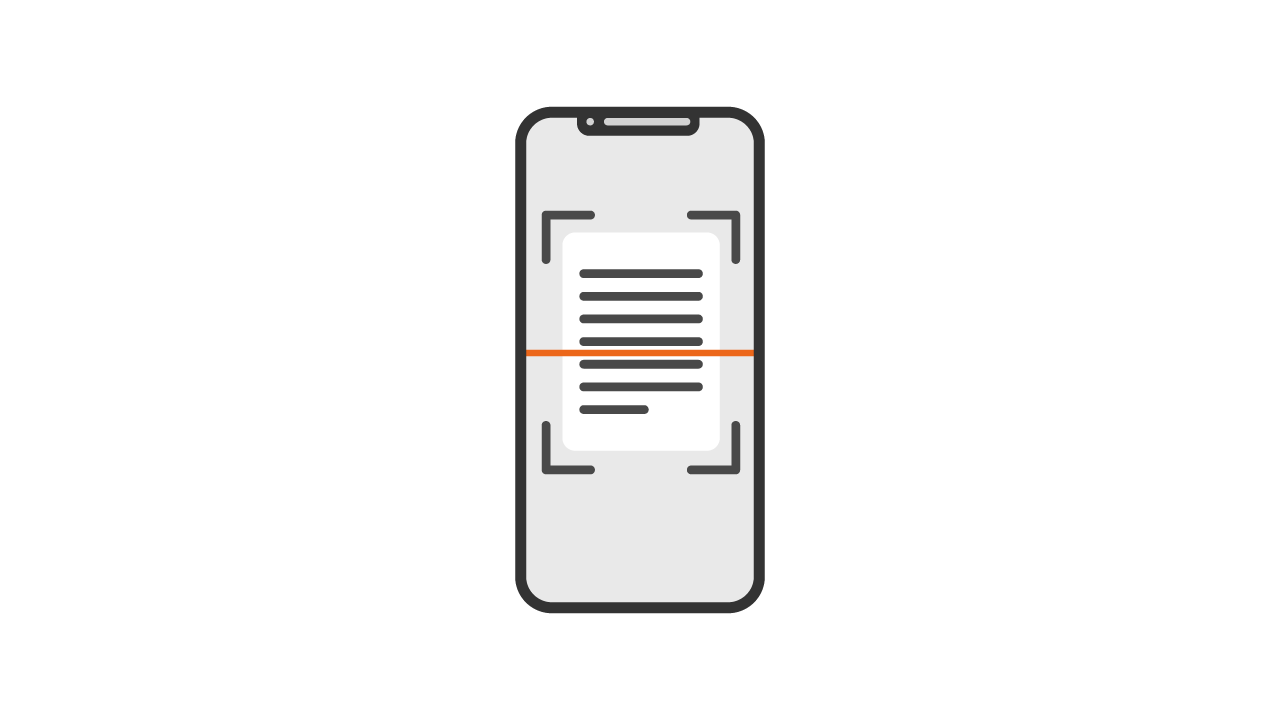
OCR, or optical character recognition, reads text from image files such as scans and photographs. It converts an image of letters, numbers, and symbols into text that can be edited, copied, searched, and processed.
The software analyzes the document layout, recognizes characters, and saves the result as digital data. That data can then enter a document workflow or another business application.
Common OCR Uses
OCR supports document digitization, archiving, information retrieval, and integration with business systems. Typical uses include:
- moving content from paper documents into digital systems;
- registering data from invoices, contracts, applications, and forms;
- making scanned content searchable;
- reducing manual entry throughout a document workflow.
These capabilities speed up document handling, support internal information flow, and reduce the operating cost of manual processing.
The Recognition Process
OCR first identifies the structure of a document, including text fields, numbers, headings, and tables. It then recognizes the content and converts it into data that other systems can process.
Validation rules can check expected formats, identification numbers, and required fields. A user reviews exceptions, corrects errors, and completes missing information before approval.
After approval, the extracted information can populate a form or start the next stage of a digital workflow. In a paper-based process, the typical sequence is scan, save as an image or PDF, run OCR, validate, and send the approved data forward.
OCR in Business Workflows
Business OCR often operates as part of an ERP, DMS, or workflow environment. It captures information from documents and sends it directly into digital processes.
HR teams use OCR to digitize contracts, amendments, certificates, and employee requests, then assign them to electronic personnel files. Mailrooms use it to register correspondence, link documents to cases, and route them with the extracted information. The same approach applies to invoices, identity documents, applications, and surveys.
OCR makes information that was locked in document images available for search, automation, analysis, and further digital transformation.
Review an OCR Workflow
OCR FAQ
1Does OCR recognize handwriting?
OCR performs best on printed text. Handwriting recognition depends on writing quality, contrast, scan quality, and the recognition engine. Some advanced systems support structured handwritten fields, but human review is usually required.
2What technical conditions improve OCR results?
Use a sharp, high-resolution scan or photograph, strong contrast, a clear document layout, and supported formats such as PDF, PNG, or JPEG. Image cleanup, alignment, and deskewing can improve recognition.
3What OCR errors are common?
Common issues include confusing similar characters such as l and 1 or O and 0, incorrect row and column breaks, difficulty with tables and graphics, and errors caused by diacritics or unusual fonts. High-quality scans, validation, and human correction reduce these errors.
4When does OCR deliver the most value?
OCR is most useful when an organization processes many paper documents, wants to reduce manual entry, needs searchable document data, or integrates archives with ERP, DMS, workflow, and HR applications.
5Can OCR process personal data securely?
Yes, when the implementation includes encryption during processing and storage, access controls, audit logs, retention rules, regulatory controls such as GDPR, and an appropriately assessed provider.