Electronic Document Workflow: A Complete Guide
November 3, 2025
Business Tips
Business Tips
Document Workflow
Some studies estimate that office employees spend up to 20% of their time trying to find information. Paper binders, crowded inboxes, and invoices waiting for signatures turn quiet administrative work into a major operating cost. Electronic document workflows replace that uncertainty with a controlled lifecycle from intake to archive.
More Than a Digital Filing Cabinet
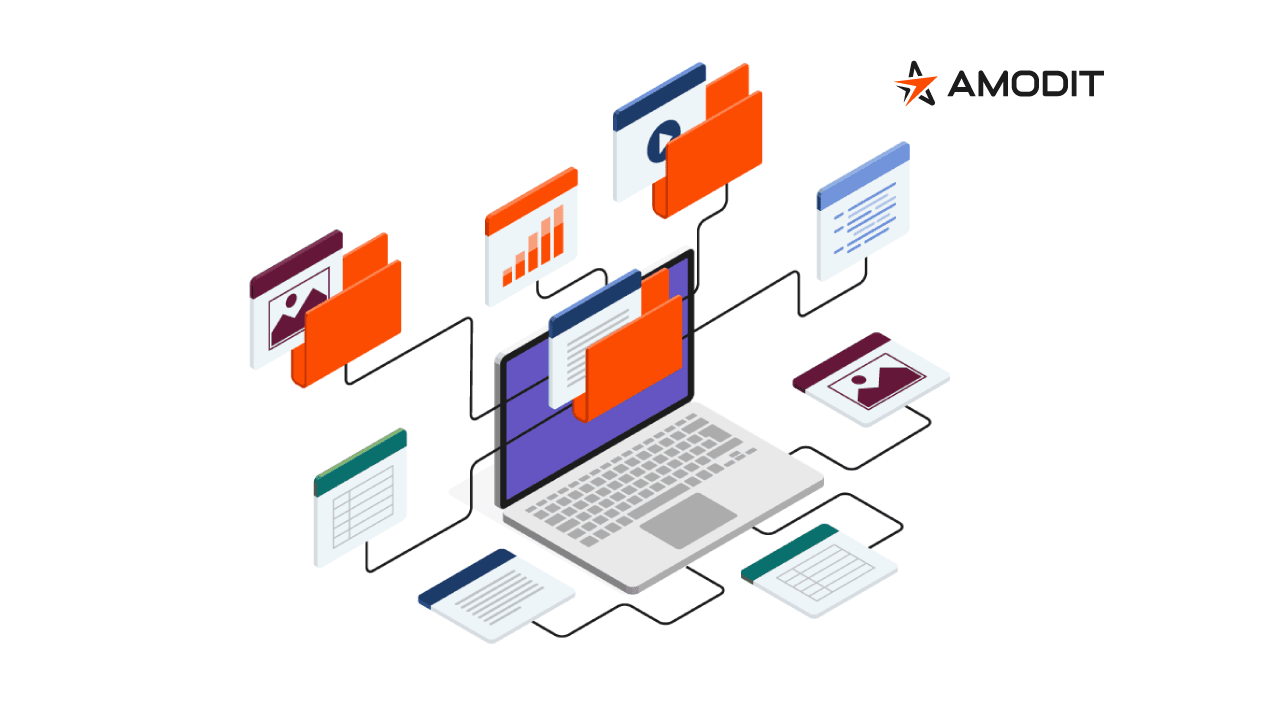
An electronic document workflow guides a record from creation or receipt through processing and into a secure archive. A shared drive only stores files; a workflow platform knows what should happen next.
- Capture: read the document and its data.
- Route: assign it to the correct person for verification.
- Advance: send the approved record to the next team or system.
- Archive: store the completed record in the right controlled repository.
The workflow engine manages the lifecycle, prevents documents from being lost or stalled, and applies agreed business rules at each step.
Problems a Document Workflow Solves
- Records are difficult to find. A central archive and search provide the current document within seconds.
- Approvals become bottlenecks. Automated routes, deadlines, reminders, and mobile approval keep work moving.
- Manual data entry creates errors. OCR and AI extract information; people verify exceptions and approve decisions.
- Access is unclear. Permissions and detailed audit histories show who used each record and what changed.
Five Building Blocks
- Digital archive: secure storage, version management, and access control.
- Workflow engine: automated tasks, assignments, and approvals. In AMODIT, low-code configuration allows teams to model and update processes.
- OCR and AI: OCR reads scans, while AI supports classification and extraction. A person verifies exceptions and approves business actions.
- Electronic signatures: documents can complete a digital signing process without printing.
- Reporting and analytics: dashboards monitor performance, delays, and the results of automation.
Components and Their Roles
| Component | Primary role | Business value |
|---|---|---|
| Digital archive | Secure file storage and organization | Order and immediate access to information |
| Workflow engine | Automated tasks, steps, and approvals | Faster processes and fewer delays |
| OCR and AI | Data capture, classification, and recommendations | Less manual work and fewer errors |
| Electronic signature | Digital document signing | A complete paperless path |
| Reporting and analytics | Performance monitoring and control | Better decisions and continuous improvement |