Document Workflows as a Foundation for Process Automation
February 17, 2025
Business Tips
Business Tips
Process Automation
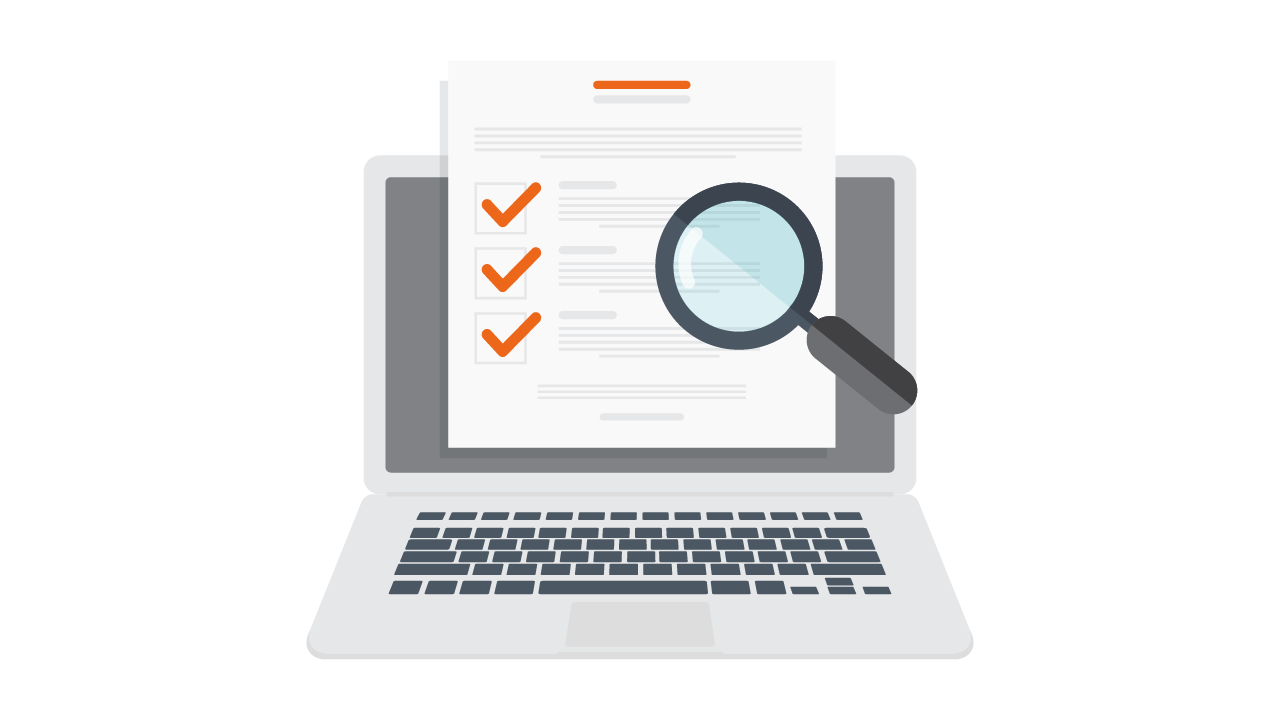
Invoices, agreements, purchase orders, and leave requests are central to daily operations. Paper-based handling creates slow approvals, missing files, manual errors, and limited visibility. Electronic workflows connect those documents with controlled, automated processes.
A Foundation for Modern Operations
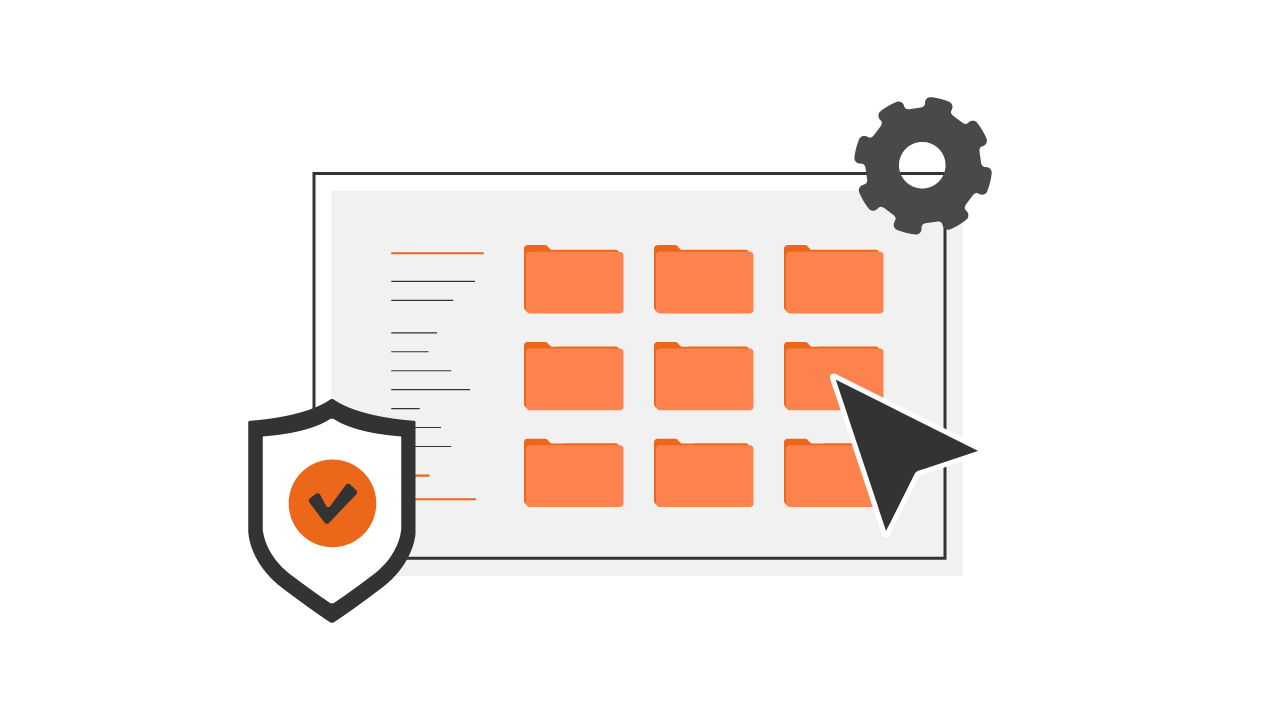
Electronic workflows improve information flow and automate recurring business tasks. They reduce manual errors, shorten key operations, and make responsibilities visible.
- Automated routing and fewer repetitive steps.
- Controlled access from different locations.
- Visible status and alignment with internal procedures.
- Centralized protection for documents and process data.
What an Electronic Document Workflow Is
An electronic document workflow manages business records digitally from intake through approval and archiving. Documents move according to configured rules instead of passing manually between employees.
- Digitization: paper records become controlled electronic files.
- Automation: business rules assign each document and action.
- Storage and archiving: approved records remain in a central repository.
- Security: permissions define who can view and change information.
The Workflow Step by Step
- Capture. A document enters through scanning, OCR, an electronic invoice channel, email, or manual upload.
- Classification. The platform assigns it to the correct process, team, or owner.
- Validation and approval. Rules check data and route the record through the required approval path.
- Archiving and search. The approved document is stored with searchable attributes such as number, supplier, and date.
- Status monitoring. Users can see the current stage without sending separate status requests.
Where It Is Used
- Finance: invoice processing, payment control, and reporting.
- HR: employment records, leave requests, and personnel documents.
- Purchasing: requisitions, offers, orders, and supplier approvals.
- Legal: agreement review, approval, and deadline monitoring.
Integrations connect the workflow with other business systems so data does not have to be moved manually.
Benefits of Document Automation
Time and Accuracy
- Automatic assignment reduces delays.
- Data capture and validation reduce manual mistakes.
- Search retrieves records by keyword and category.
Control
- Defined approval routes guide each document.
- Real-time status shows progress and ownership.
- Workflow rules replace manual tracking.
Operating Costs
- Less paper, printing, and storage.
- Fewer errors and late-payment issues.
- Employees can focus on work that needs expertise.
Security and Compliance
- Permissions limit access.
- Every operation is recorded.
- Version and change histories remain available.
Access Across Locations
- Cloud workflows support remote work.
- Authorized employees approve documents outside the office.
- Mobile access speeds up time-sensitive decisions.
How to Select the Platform
Ease of Use and Implementation
- An intuitive interface for different employee groups.
- Low-code configuration without rebuilding every workflow.
- A practical training and adoption plan.
Automation Coverage
- Configurable routes and business rules.
- Support for invoices, agreements, requests, and orders.
- Notifications, approvals, and exception handling.
Scale and Integration
- New users and processes can be added over time.
- Connections with existing business applications.
- Support for both mid-sized and large organizations.
Security
- GDPR-aligned controls and role-based permissions.
- Audit histories for document actions.
- Protection appropriate to the information being processed.
Evaluate a working demonstration, relevant case studies, technical support, and post-implementation services before making the decision.
AMODIT Document Workflow Automation
AMODIT combines configurable processes, document management, reporting, integrations, and security controls in one platform.
- Flexible implementation: processes can be adapted and introduced across finance, HR, administration, logistics, and legal teams.
- Cloud access and integration: documents remain available across devices and can exchange data with other systems.
- Electronic signatures: approval and signing can remain digital.
- Search and reporting: users retrieve records and track cases in real time.
Typical applications include invoice workflows, employee files and requests, purchasing, and agreement management.
Move From Documents to Processes
Electronic document workflows automate more than storage. They connect information with ownership, rules, approvals, and audit history. This reduces administrative effort and gives teams a controlled basis for broader process automation.