

How Document Workflow Works
March 26, 2024
Business Tips
Document Workflow
Process Automation
Digital document workflow changes how organizations create, process, manage, store, and distribute documents. It replaces physical handoffs with controlled digital processes, giving teams faster access to information and a consistent way to move work forward.
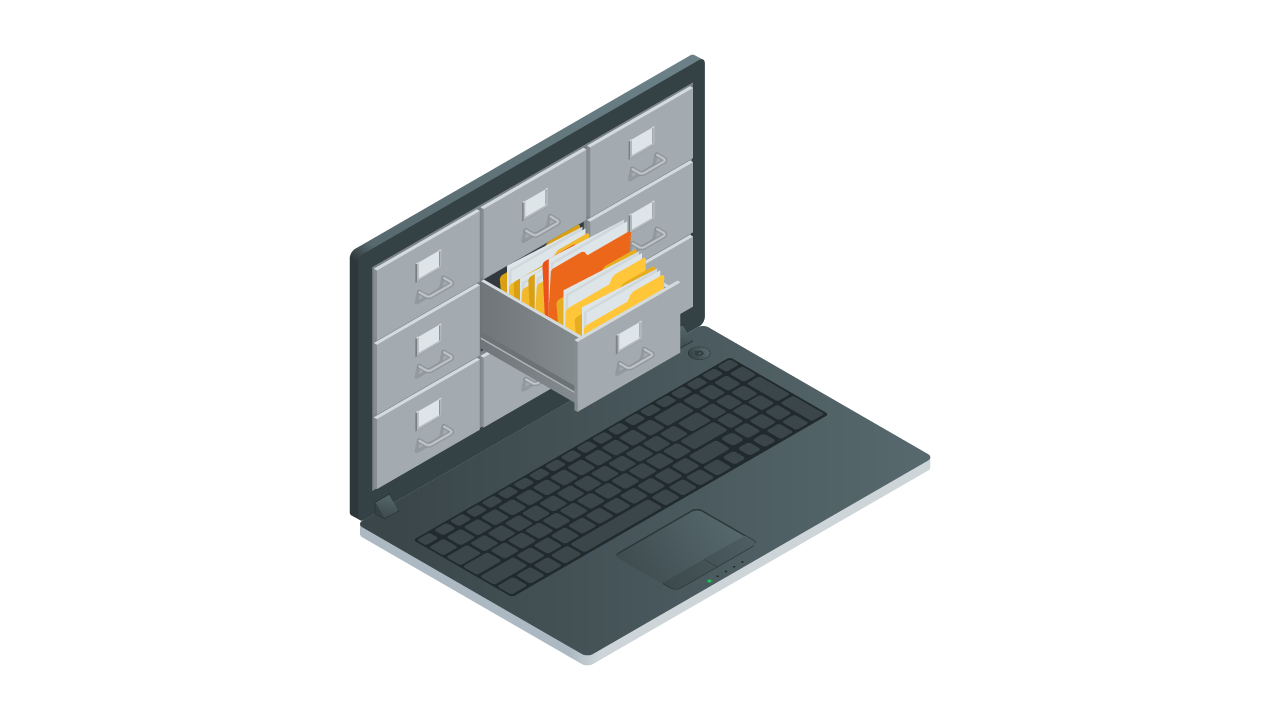
Digital document workflow began developing in the 1980s as organizations moved from paper archives to electronic databases. Computer networks and the internet accelerated that shift by improving access, processing speed, and data security. Today, document workflow is part of the IT environment at many organizations, connecting locations, automating routine work, and supporting more consistent service.
Document Workflow Fundamentals
Document workflow combines technology for managing digital files with rules that control how work moves between people and systems. Solutions range from basic document repositories to platforms that coordinate workflows and integrate with other business applications.
Documents Covered by a Workflow
A digital workflow can handle invoices, contracts, personnel records, operating instructions, reports, and virtually any other business document. Authorized users can access current information regardless of location, which supports collaboration and timely decisions.
Core Capabilities
- Capture and digitization: scan paper documents or add files that are already digital.
- Indexing and classification: organize content with metadata so teams can find and manage it.
- Storage: keep documents in a protected digital repository, including cloud environments where appropriate.
- Access and sharing: give internal and external users controlled access based on their permissions.
- Integration: exchange information with ERP, CRM, accounting, and other business systems.
The Document Lifecycle
A workflow begins when a document enters the system and ends when the document is archived or securely deleted. The system manages each stage digitally and records how the document progresses.
- Capture: scan a paper document or import a digital file.
- Index and classify: add metadata such as the date, author, document type, and business purpose.
- Review and approval: route the document to the right people or departments for review, editing, and approval; notifications identify pending tasks.
- Store: place the approved document in a protected repository with access controls and other safeguards.
- Search and share: let authorized users retrieve documents through metadata and search, then share them under defined permissions.
- Integrate: pass information to ERP, CRM, accounting, and other applications.
- Archive or delete: apply retention rules and remove content securely when its retention period ends.
Business Value
Digitization and automation shorten document handling, reduce manual errors, improve information flow, and strengthen control over sensitive data. They give organizations a structured path from paper-based work to a more consistent digital operating model.
Common Platform Capabilities
Business Process Automation
Rules can route documents for approval, issue deadline reminders, and distribute work to the correct person or department. This reduces repetitive coordination and the risk of missed steps.
Document Version Control
Version history records changes and gives authorized users access to the appropriate version of a document.
Security and Access Management
Encryption, role-based access, and audit trails protect confidential information and record activity.
Mobile and Remote Access
Browser and mobile access let employees work with documents from different locations and devices.
Business System Integration
Connections to ERP, CRM, HR, and other applications automate information exchange across departments and remove duplicate entry.
Case Study: Digital HR Records
The Challenge
An international energy company needed to modernize employee records while improving access, data security, and compliance with personal-data requirements.
The Solution
The company replaced printouts, folders, and binders with electronic personnel files in AMODIT. The implementation covered employee documentation, business-trip and leave requests, referrals for periodic medical examinations, and recruitment.
Key Capabilities
- Automated document routing: scanned documents move to the appropriate department for verification and then into the electronic personnel file.
- Two-level permissions: access can be controlled at the employee view and company view.
- HR integration: document templates and data exchange support the HR team's work.
Results
- Employee information is organized in one location and available to authorized users.
- Permissions and controlled workflows support compliance and data security.
- Automation reduces manual handling.
- Less paper supports the company's environmental initiatives.
The project shows how document workflow can modernize HR administration while giving the department more time for strategic work.
A Foundation for Digital Operations
Document workflow brings automation, protected storage, access controls, and consistent routing into one operating model. Newer platforms also use existing AI and machine-learning services for indexing, classification, and search. These capabilities improve access to information while reducing paper use.
Future development will emphasize stronger integration across platforms, more configurable automation, and workflows tailored to specific operational needs.