Document Workflow Automation Benefits
June 6, 2024
Business Tips
Business Tips
Workflow Automation
Moving invoices, contracts, and requests through email and paper folders creates delays, duplicate versions, and unclear ownership. Workflow automation gives each document a defined route, status, owner, and history.
How Automated Document Workflows Operate
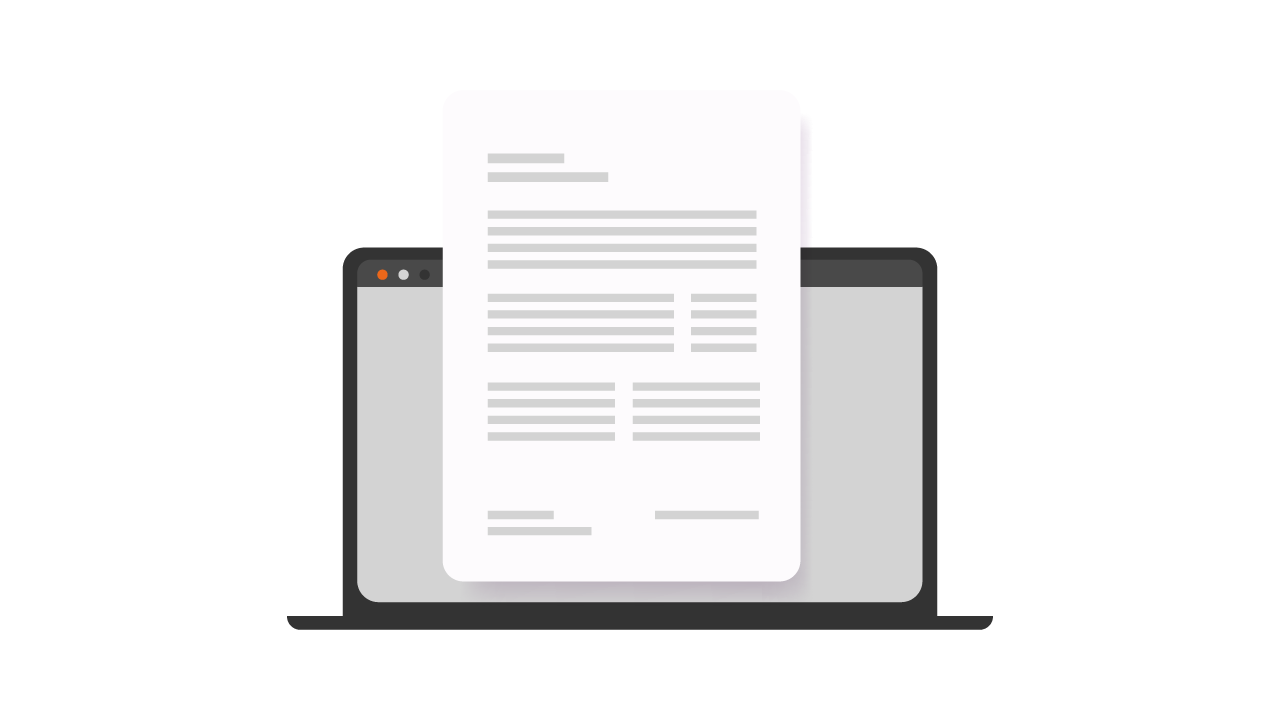
A document workflow guides a record through registration, assignment, approval, signature, archiving, and search. Rules, roles, permissions, due dates, and notifications move the process forward without relying on repeated manual reminders.
Benefits Across Daily Operations
Faster Approvals
Documents reach the next responsible person automatically, while participants can see the current status and pending action.
One Controlled Version
The workflow keeps the current document, metadata, and history together, reducing uncertainty about which version is ready for review or signature.
Auditability and Process Control
Recorded actions, assigned tasks, and approval routes show who performed each activity and when. This supports internal reviews, audits, and procedural controls.
Information Security
Roles and permissions limit access, while the deployment model can align storage with the organization's cloud or on-premises policies.
Lower Operating Effort
Less printing, scanning, shipping, retyping, searching, reminding, and correcting reduces both visible costs and employee time spent on repetitive handling.
Distributed Collaboration
Departments and locations work with the same record and process context without repeatedly emailing attachments.
Integration Readiness
Structured invoice and document workflows are easier to connect with ERP, accounting, electronic signature, and reporting systems.
Start Where the Result Is Visible
Good first candidates are repetitive processes where delays carry a clear cost:
- Purchase invoices and payment approvals
- Contracts, amendments, versions, and signatures
- Leave, business trip, and purchase requests
- Onboarding records, checklists, and employee documents
Choose one or two processes, define roles and metadata, configure notifications and due dates, and run a short pilot using real work.
Give Every Process an Owner
Automation works best when ownership and standards are explicit. A process owner maintains the route, handles exceptions, reviews performance, and decides when the workflow should change.
Build a Measurable First Workflow
Measure the Operating Change
Track approval time, time spent searching, manual re-entry, exceptions, missed deadlines, and user experience before and after launch. The evidence shows where the workflow is working and where rules or responsibilities need adjustment.
Frequently Asked Questions
1Which documents should be automated first?
Purchase invoices and contracts are common starting points because delays have clear consequences. Frequent employee or purchase requests can also provide a contained pilot.
2Does workflow automation require eliminating all paper immediately?
No. Organizations can standardize the digital process while scanning paper records that continue to arrive during a staged transition.
3How does a workflow platform protect data?
Roles, permissions, action history, and controlled storage make it easier to manage who can view or change each document.
4What is a common implementation mistake?
Trying to model every exception at the start. A simple route for the most common cases is easier to launch, measure, and improve.
5How quickly can benefits become visible?
Approval status and document search often improve first. Timing depends on starting with a defined process and using the new workflow consistently.