Document Management Systems Explained
January 20, 2025
Business Tips
DMS
Document Management
Organizations need a reliable way to manage growing volumes of documents and the processes built around them. A document management system (DMS) creates a controlled digital environment for storing, organizing, finding and routing those documents.
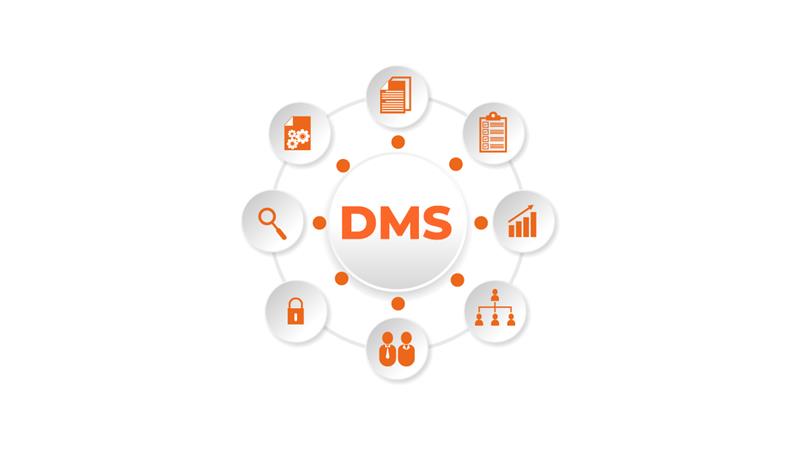
What a DMS Does
A document management system stores, organizes and manages documents digitally. It replaces disconnected paper archives with controlled access to business information and supports each document throughout its lifecycle.
Teams can find documents faster, automate process steps and strengthen data controls. A DMS also brings structure to approvals, versioning and online signing.
Two Deployment Models
- On-premises DMS: installed on an organization's own servers, providing direct control over infrastructure and data.
- Cloud DMS: available online, with scalability and without the need to maintain all infrastructure locally.
Core DMS Capabilities
A DMS is more than a digital archive. Its capabilities support document workflows and business process automation across the document lifecycle.
Document Workflow
The system routes documents between departments instead of relying on paper handoffs. Processes such as invoice approval and leave requests become easier to follow and control.
Workflow and Process Automation
Defined approval paths send each document to the right person at the right time. This reduces avoidable delays and makes responsibility explicit.
Data Security and Access Control
User roles and access permissions limit sensitive information to authorized people. The result depends on correct configuration and ongoing administration.
Document Versioning
The DMS records document versions, shows change history and allows an earlier version to be restored when needed. This matters when several people collaborate on a document.
System Integration
A DMS can exchange data with ERP, CRM and accounting applications to reduce duplicate entry and keep information consistent.
Search and Classification
Metadata, filters and AI OCR help users classify and retrieve documents. AI-extracted data should be reviewed where a business decision depends on it.
Business Benefits
Faster Processing
Automated routing and digital access can shorten the time required to review and approve a document.
Lower Paper and Storage Costs
Replacing printing and physical archiving can reduce office-material and storage requirements. Better controls can also reduce rework caused by errors.
Process Visibility
A DMS records the path from creation through approval to archiving. Teams can see status, responsibility and bottlenecks instead of reconstructing them from email.
Stronger Data Controls
Encryption, user roles and precise permissions help protect contracts, personnel records and other sensitive documents. Configuration must reflect applicable GDPR requirements and internal policy.
Better Collaboration
Fast document access, version history and integration help teams work from current information and coordinate tasks across departments.
AMODIT as a DMS and Workflow Platform
AMODIT combines document management with configurable workflows. Teams can model processes without conventional programming, then adapt forms, rules and routes as requirements change.
Key Capabilities
- Visual workflow configuration: create and revise business processes through a configurable interface.
- Process automation: handle recurring work such as invoice approvals, contract registration and employee requests.
- Access control: define permissions according to roles and process requirements.
- Integration: connect AMODIT with ERP, CRM, accounting, HR and other systems.
- Multiple process types: support HR documents, agreements, reports and other workflows on one platform.
Flexible Growth
Organizations can adjust processes as requirements change and expand the licensed user base when needed.
Five Steps to DMS Implementation
Analyze Needs and Processes
Identify the work that needs improvement: document routing, data protection, invoice approval or another recurring process. Define which DMS capabilities matter most.
Select the Right Platform
Compare functionality, integration options, scalability, usability and support for relevant regulatory controls.
Plan the Implementation
Choose the first processes and the team responsible for delivery. A focused starting process makes it easier to test the system and learn before expansion.
Train Users
Give employees practical training based on their roles, tasks and approval responsibilities.
Monitor and Improve
Review system use and employee feedback after launch. Update processes as operating requirements change.
Build a Controlled Document Environment
A DMS organizes documents, connects them with business processes and gives teams a clear view of versions, access and status. AMODIT combines these capabilities with configurable workflow and integrations.