

DMS and Process Automation
March 6, 2025
Business Tips
DMS
A document management system organizes files. Process automation routes work, decisions and approvals. Connecting both capabilities creates a controlled information flow.
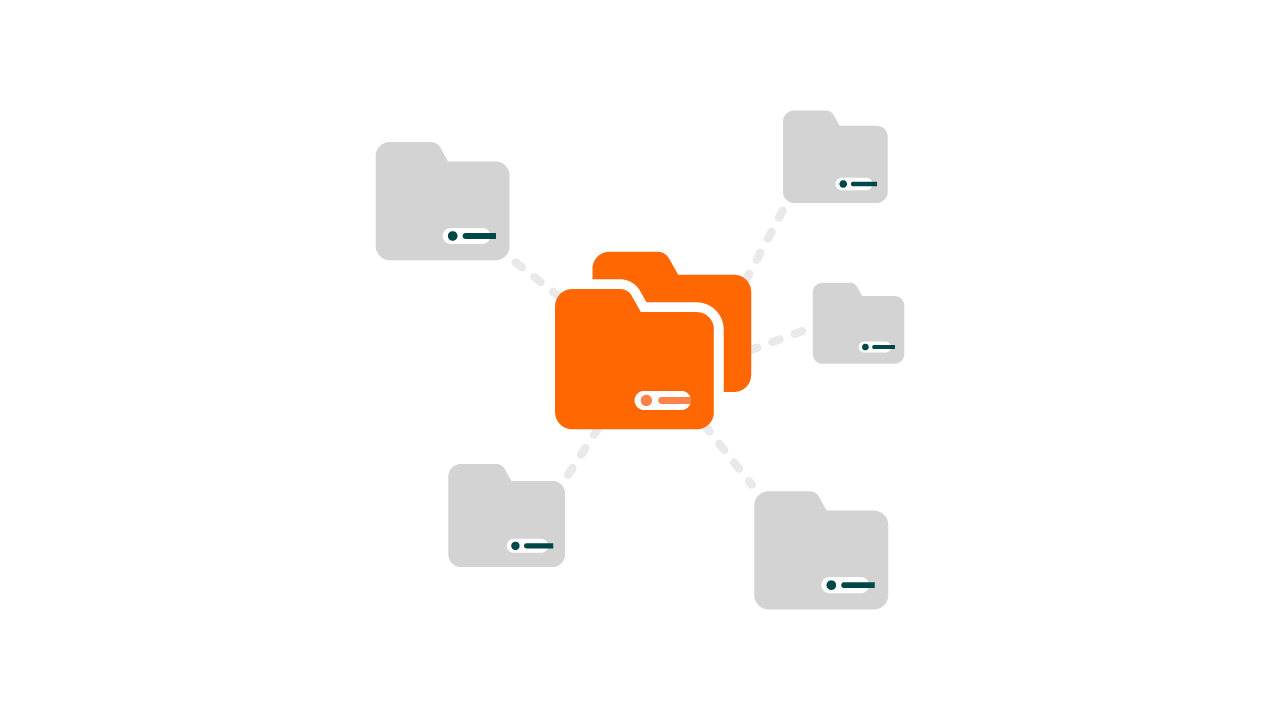
What a DMS Provides
A document management system centralizes digital files and replaces scattered folders or paper archives with a structured repository.
- Storage and archiving: documents remain in an organized digital location.
- Search and classification: metadata, tags and full-text search help users retrieve records.
- Version control: change history shows edits and allows earlier versions to be restored.
- Access management: permissions determine who can view, edit or share documents.
- Integration: other business systems can use the documents within their own processes.
DMS as a Digitization Foundation
Digitizing and centralizing records shortens document searches and gives authorized users access regardless of location. OCR and configured AI services can extract, classify and index information, with people reviewing exceptions and consequential decisions.
Versioning, access controls and protection against accidental deletion reduce handling risk. Notifications and reminders can support document work, while a dedicated workflow platform manages the complete process path.
DMS and Document Workflow Serve Different Roles
A DMS focuses on aggregation, storage, search, versions and access. Document workflow focuses on routing information, assigning tasks, verifying content, obtaining approvals and monitoring deadlines.
The two capabilities work together. For example, an invoice enters the repository and is indexed. Workflow routes it to Finance, coordinates verification and approval, sends the approved record for payment and returns the completed document to the archive.
AMODIT Connects Documents and Processes
AMODIT combines a central document repository with configurable workflows for requests, invoices, agreements and other records.
- document storage, organization, versions and change history;
- automatic routing to the appropriate people;
- no-code process configuration;
- integration with systems that provide suitable technical interfaces;
- access controls, digital archiving and functions supporting compliance requirements.
How to Evaluate a DMS
Review search and metadata, version history, permissions, encryption, integration with ERP and workflow tools, and support for automated process steps.
Cloud deployment provides remote access and reduces the need for customer-managed infrastructure. On-premises deployment provides direct infrastructure control but requires the organization to operate and secure that environment. The right choice depends on security, integration and operating requirements.
A DMS organizes records; workflow automation turns those records into coordinated work. Organizations that need both should evaluate them as a connected architecture.