How to Choose a Document Workflow Platform
January 10, 2025
Business Tips
Business Tips
Document Workflow
Document workflow platforms replace paper-based handling with controlled digital processes. The right choice improves access, routing, approvals, archiving, and visibility across the document lifecycle.
Why Replace the Traditional Model
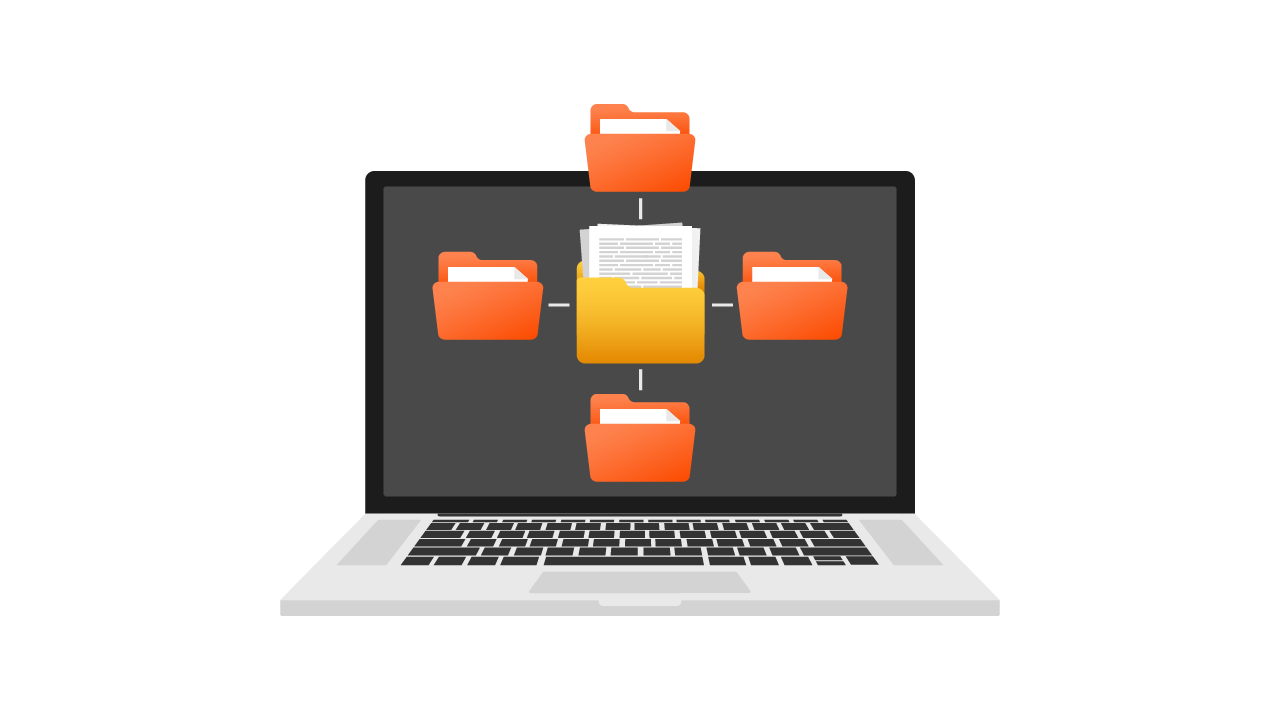
Electronic document workflows provide fast access to information, automate business processes, and reduce the risk of lost records. Teams can track documents and complete work from the office or remotely.
Less printing and physical archiving lowers handling costs. More importantly, employees gain a clear process with visible ownership and status.
How Document Workflow Platforms Work
The platform manages registration, verification, approval, and final archiving in a digital process. Authorized users see documents in real time, track status, add comments, and complete assigned actions.
Essential Capabilities
- Process automation: routes replace manual handoffs.
- Status tracking: users see the current stage and owner.
- Electronic archiving: records are stored securely and remain searchable.
- Integration: ERP, CRM, accounting, and other systems exchange data.
- Permissions: access is limited to authorized users.
Business Benefits
Time and Efficiency
Automated routing removes manual delivery between departments and gives employees immediate access to current records.
Cost Control
Organizations reduce printing, paper, postage, storage, and repetitive administrative work.
Data Security
User-level permissions, encryption, and backups protect documents and reduce the risk of loss.
Process Transparency
Each approval and action is recorded, making responsibility and progress visible.
Regulatory Support
Retention, access, and audit controls help teams apply approved data protection and document management rules.
Seven Selection Criteria
Process Fit
Start with the workflows to be automated. One organization may prioritize archives, while another needs ERP integration and complex approvals.
Usability
An intuitive interface and configurable processes reduce training effort and support adoption.
Integration
The platform should connect with ERP, CRM, accounting, analytics, and other systems in the operating environment.
Scalability
Confirm that new users, processes, and functions can be added as requirements change.
Total Cost
Compare licensing, implementation, maintenance, and support rather than looking only at the initial fee.
Security and Compliance
Review encryption, permissions, backups, audit history, and support for relevant legal requirements.
Support and Updates
The vendor should provide technical support and maintain the platform as security and business needs evolve.
AMODIT as a Flexible Option
AMODIT combines an intuitive interface with configurable workflows, reporting, integrations, and security controls. Processes can be adapted to specific requirements and extended as the organization grows.
- Usability: designed for employees who have not used workflow platforms before.
- Configuration: processes can reflect specific business rules.
- Coverage: automation, reporting, and ERP integration in one platform.
- Security: access control and protection mechanisms for business data.
The platform supports phased implementation, allowing teams to begin with one process and add more over time.
Make the Decision Around the Process
A document workflow platform should improve efficiency, lower handling effort, strengthen data protection, and adapt to changing requirements. The selection process therefore needs both a clear map of current work and a realistic review of the vendor's platform, implementation approach, and support.
AMODIT offers a configurable path from the first document process to broader automation across the organization.