

BPM Platform Implementation
April 9, 2025
Business Tips
BPM
Implementation
A BPM platform organizes processes, automates repeatable work, and gives teams visibility across departments. Successful implementation begins with the current workflow, its bottlenecks, and a clear first process to improve.
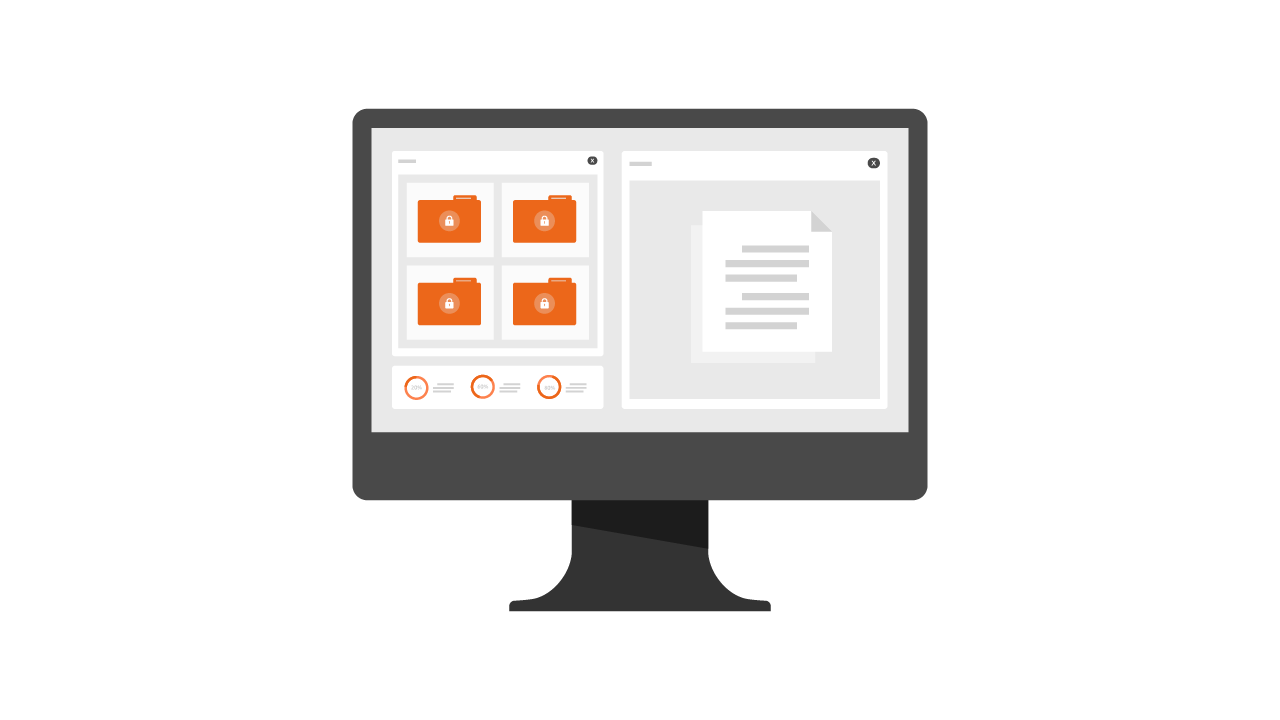
What a BPM Platform Manages
Business process management describes how routine work moves from one step to another: from an order through fulfillment and invoicing, or from hiring through onboarding and time reporting. A BPM platform documents those steps, assigns roles, automates selected work, and monitors progress.
Unlike processes coordinated through email and spreadsheets, a BPM platform provides one place to define, run, revise, and analyze work. Typical capabilities include visual process design, forms, business rules, notifications, reports, and integration with other applications.
Why BPM Supports Growth
BPM gives an organization a measurable operating model: participants know what happens, who owns each step, and which changes will improve the outcome. Automation removes repeatable coordination, while monitoring shows how key processes actually perform.
Benefits of a BPM Platform
Common signs that BPM is needed include slow approvals, missing status information, recurring errors, duplicated work, weak reporting, and processes distributed across email and spreadsheets.
Visibility
Process maps, ownership, status, and bottlenecks become visible in one environment.
Automation
The platform routes cases, sends notifications, and generates reports without requiring manual coordination at every step.
Faster Decisions
Current data, statistics, and reports support timely operational decisions.
Cross-Department Collaboration
HR, finance, legal, and other teams work from the same case information and shared rules.
Scalability
Teams can add processes, revise existing ones, and test changes as the organization grows.
Compliance and Control
Defined approval paths, permissions, and activity records support GDPR, ISO, and internal-policy controls.
Practical BPM Use Cases
Invoices and Financial Documents
Register invoices, route them for approval, and transfer approved data to accounting without printing and rescanning.
Leave Requests and Business Trips
Employees submit requests, managers approve them, and HR sees the current status and substitutions.
Internal Purchasing
Route purchase requests to the right approvers, enforce limits, and give finance current information.
Recruitment and Onboarding
Coordinate candidate selection, interviews, contracts, and onboarding tasks in defined stages.
AMODIT as a BPM Platform
AMODIT supports document and process workflows built from configurable forms and rules. Teams can adapt those processes without conventional programming.
Core capabilities include:
- a form and rule designer;
- integration with external systems such as ERP;
- OCR for extracting text from scans;
- notifications;
- dashboards and reports.
Six Implementation Stages
- Analyze current processes: identify bottlenecks, unclear responsibilities, and steps that should be simplified before automation.
- Select the platform: evaluate phased rollout, process ownership, modification, and integration with the existing environment.
- Design the workflow: define each path, role, decision, and exception with the people who perform the work.
- Configure and test: build forms, rules, and permissions, then test real scenarios on a limited scale.
- Train users: provide role-based training, help materials, and a clear way to ask questions.
- Launch and optimize: monitor behavior, review exceptions, and revise the process based on evidence.
Common Risks and Better Practices
User resistance grows when the purpose of change is unclear. Inconsistent ownership creates disconnected solutions. A rollout that starts with too many processes is difficult to test, and a design created without end users rarely matches operational reality.
- Start with one concrete operational problem.
- Deliver in stages and finish the first process before expanding.
- Include process participants in design and testing.
- Simplify the process before automating it.
Make Work Visible and Measurable
A well-implemented BPM platform does more than organize documents. It makes ownership visible, reduces avoidable errors, supports faster decisions, and gives the organization evidence for continuous improvement.
Select the First BPM Process
BPM Platform FAQ
1What is a BPM platform?
It is software for defining workflows, assigning roles, automating selected tasks, monitoring status, and analyzing process performance.
2What does BPM implementation involve?
Implementation covers current-state analysis, process design, platform configuration, testing, user training, launch, and continuous improvement.
3When should an organization implement BPM?
BPM is useful when approvals, documents, status tracking, reporting, and cross-department handoffs have become difficult to control.
4Which processes fit a BPM platform?
Examples include invoice workflow, contract approval, leave and business-trip requests, purchasing, service tickets, recruitment, onboarding, and administration.
5How should a BPM platform be selected?
Evaluate process modeling, automation, reporting, integrations, permissions, phased rollout, and the ability to revise workflows after launch.
6Which mistakes undermine a BPM rollout?
Common mistakes are skipping process analysis, starting with too broad a scope, excluding end users, leaving ownership undefined, and automating a process before simplifying it.